Ever finished a meeting and thought, “Wait, who was supposed to do that?”
You are not alone. Meetings move fast. Decisions get made, tasks get handed out, and by the next morning, half of it has slipped away.
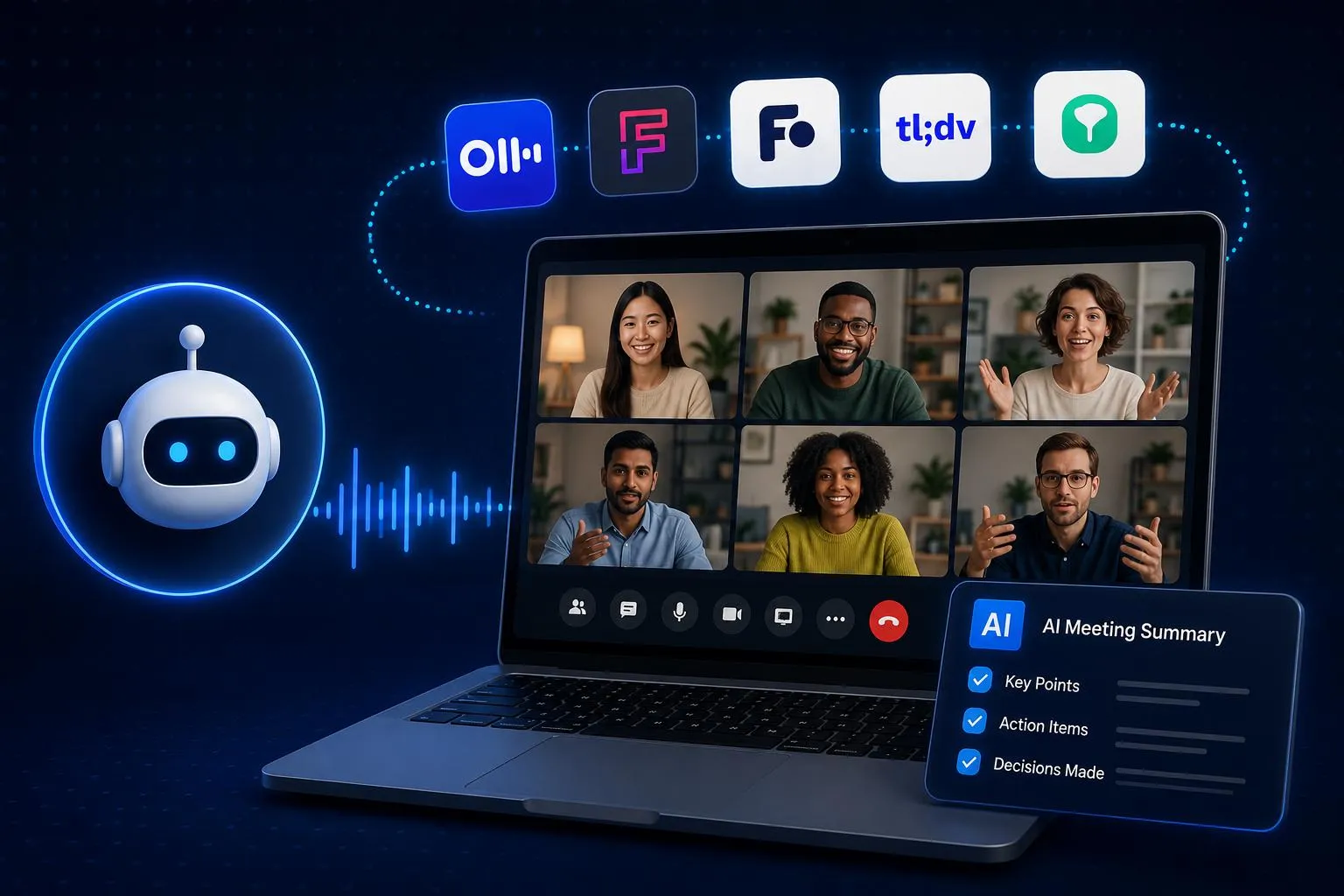
This is exactly why AI meeting assistants exist. They record the call, transcribe it, summarize the key points, and flag action items so nothing gets lost.
Not every tool works the same way though. Some join as a visible bot, some listen quietly in the background, and others live directly inside Zoom or Microsoft 365.
We tested and compared the 10 best AI meeting assistants for 2026 on transcription quality, summaries, integrations, privacy, and pricing. By the end of this guide, you will know exactly which one fits your meetings, and you will not want to go back to scrambling for notes again.
So, let’s start!
Table of Contents
- Quick Comparison Table
- How We Chose the Tools
- 1. Otter.ai (Best Overall for Familiar, Cross-Device Notes)
- 2. Fireflies.ai (Best Value for Multilingual Teams)
- 3. Fathom (Best Free AI Meeting Assistant)
- 4. tl;dv (Best Affordable Route to Sales Intelligence)
- 5. Granola (Best Bot-Free Meeting Workflow)
- 6. Grain (Best for Clips, Research, and Coaching Libraries)
- 7. Avoma (Best End-to-End Workflow for Revenue Teams)
- 8. Read AI (Best for Search Across Meetings and Work Channels)
- 9. Zoom AI Companion (Best Native Option for Zoom Teams)
- 10. Microsoft 365 Copilot (Best for Teams and Microsoft 365 Organizations)
- Run a Two-Week Pilot Before You Buy
- Privacy, Consent, and Security
- Finding Your Best AI Meeting Assistant
- Frequently Asked Questions
Quick Comparison Table
Here is a snapshot of all 10 tools, including best use case and their price:
| Tool | Best For | Starting Price |
| Otter.ai | Best for easy, familiar meeting notes | $8.33/month |
| Fireflies.ai | Team meeting in multiple languages | $10/month |
| Fathom | Free plan for unlimited recordings and transcripts | $16/month |
| tl;dv | Affordable route to sales intelligence and coaching tools | $18/month |
| Granola | Bot-free, quiet meeting note capture | $14/month |
| Grain | Best for sharing clips and customer research moments | $15/month |
| Avoma | End-to-end sales and revenue team workflows | $19/month |
| Read AI | Search option across meetings, email, and chat | $15/month |
| Zoom AI Companion | Native option for teams already using Zoom | $20/month |
| Microsoft 365 Copilot | Best for teams already invested in Microsoft 365 | $23.50/month |
How We Chose the Tools
We evaluated all 10 AI meeting assistants using the same six categories. Rather than focusing on the longest feature list, we gave more weight to the features that make the biggest difference in real meetings.
Here are the things we considered:
Core meeting output: This carries the most weight because it covers the actual job every assistant is hired to do. We checked transcript quality, summaries, decision tracking, action items, and how easy it is to search past meetings.
Buyer fit and usability: A powerful tool is not much use if it does not fit how you actually work. We looked at setup time, supported platforms, mobile and in-person use, and how much friction it adds to your existing workflow.
Capture and language coverage: Not every team wants a bot showing up on every call. We compared bot-based, bot-free, and native capture options alongside each tool’s published language support.
Integrations and follow-through: A great transcript is only half the job if the insights never leave the app. We checked the CRM, calendar, Slack, and Notion connections, as well as automation, clips, and export options.
Governance and security: This matters most once a whole company depends on the tool. We reviewed admin roles, recording notices, data retention, SSO, and other enterprise controls.
Price and free-plan value: The cheapest plan on paper is not always the cheapest in practice. We weighed pricing clarity, how useful the free allowance actually is, add-on costs, and what teams really end up paying.
1. Otter.ai (Best Overall for Familiar, Cross-Device Notes)
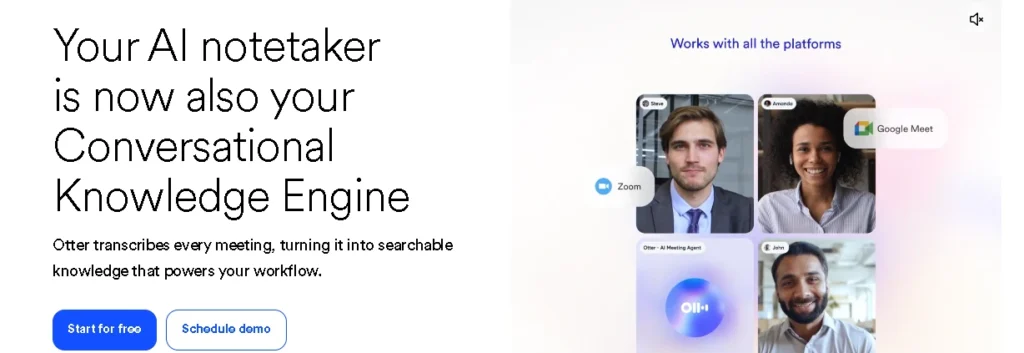
Otter is the easiest all-around pick if you want reliable notes without a learning curve. Otter is an AI meeting assistant that records conversations, transcribes them in real time, and turns the discussion into searchable notes.
It joins Zoom, Google Meet, and Microsoft Teams, and it also handles uploaded recordings and in-person conversations through its desktop and mobile apps.
Once a meeting wraps up, Otter generates live transcription, speaker labels, AI summaries, and custom vocabulary for names or terms you use often. You can also search across your entire meeting history through its chat feature.
Key Features:
- Live transcription with speaker labels during Zoom, Google Meet, and Microsoft Teams calls
- Works with uploaded recordings and in-person conversations captured from desktop or mobile
- AI-generated summaries and custom vocabulary for recurring terms and names
- Searchable chat across your entire meeting history
- Free Basic plan with 300 transcription minutes included every month
- Paid Pro and Business tiers for heavier usage and larger teams
Where it wins: Otter covers the whole note-taking workflow in one app that behaves the same way on desktop, mobile, and the web. Teams do not need a separate tool for casual meetings.
What to watch: The free Basic plan caps out at 300 minutes a month, so an active user can burn through that fast. Otter is built for general note-taking, not deep CRM automation or sales coaching.
Pricing: Basic is free with 300 minutes a month. Pro runs $8.33 per user monthly when billed annually. Business is $19.99 per user monthly, also billed annually.
Choose it when: If you want a familiar, easy-to-learn assistant that covers transcripts, summaries, and search across every device.
2. Fireflies.ai (Best Value for Multilingual Teams)
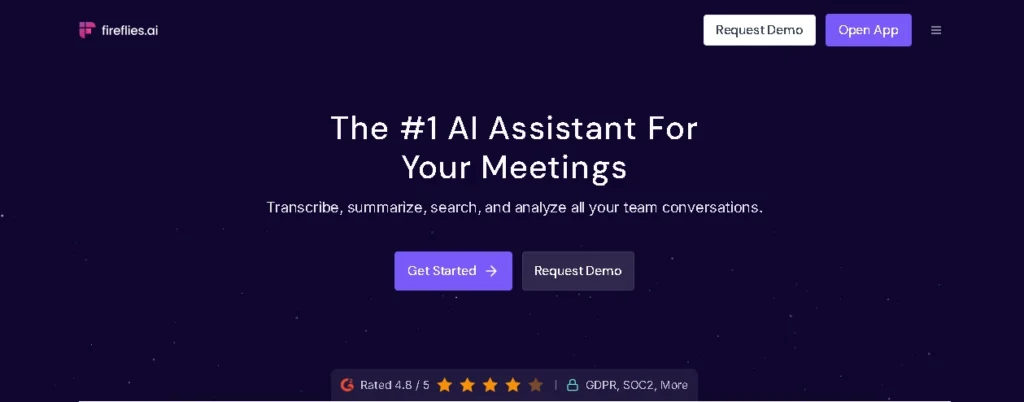
Fireflies pairs strong language coverage with an unusually generous free plan. Fireflies.ai is a meeting assistant and conversation-intelligence platform built for teams that want the meeting record to keep working after the call ends.
It records and transcribes conversations, then layers on AskFred (its built-in AI assistant), workflow automation, CRM connections, and cross-meeting search.
Its published support for more than 100 languages makes it a strong pick for distributed and multilingual teams. The free plan still includes unlimited transcription and summaries, which makes it easy to try before you pay anything.
Key Features:
- Automatic transcripts and AI summaries for every recorded meeting
- AskFred, a built-in AI assistant for querying meeting content
- Workflow automation and CRM connections for sales and ops teams
- Cross-meeting search and conversation intelligence
Where it wins: The combination of language coverage, integrations, and a $10 annual Pro tier is hard to match. It also offers several capture routes instead of forcing every team into one bot-only workflow.
What to watch: “Unlimited transcription” is not the same as unlimited use. The free plan includes 400 minutes of team storage and a separate AI credit allowance, so active teams should model both.
Pricing: Free includes unlimited transcription and summaries, with storage and credit limits. Pro is $10 per seat monthly when billed annually. Business runs $19.
Choose it when: If you want language coverage, integrations, and low entry pricing matter more than a perfectly simple allowance model.
3. Fathom (Best Free AI Meeting Assistant)
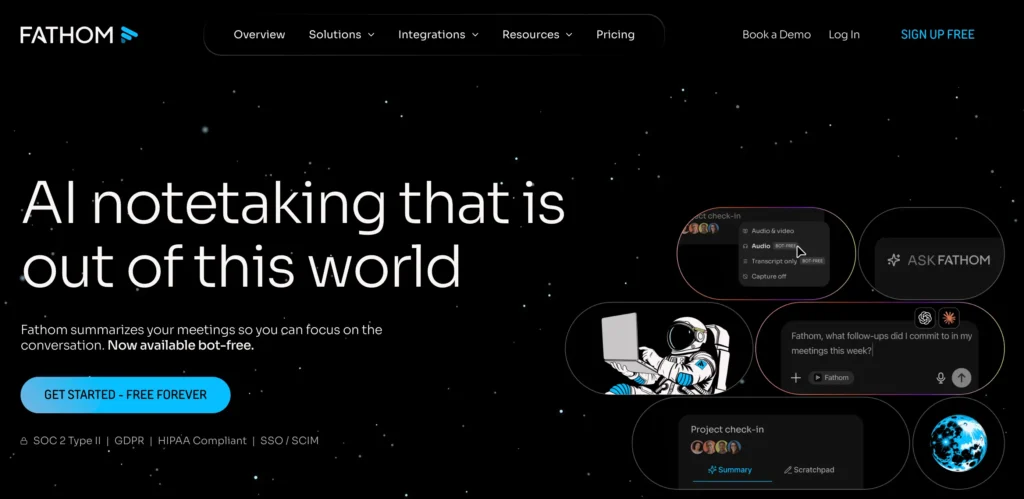
Fathom proves that a genuinely free plan can still cover the basics well. Fathom is a free-first AI meeting assistant that records, transcribes, and summarizes video calls without charging for the essentials.
The free plan includes unlimited recordings, transcripts, instant AI summaries, clips, and search, making it one of the easiest ways to prove the value of AI notes before paying anything.
Paid tiers add advanced summaries, action items, shared search, CRM field sync, deal views, and coaching. Fathom now also offers optional bot-free capture alongside its traditional meeting-bot workflow.
Key Features:
- Unlimited recordings, transcripts, and instant AI summaries on the free plan
- Clips and search are built into every meeting recording
- Advanced summaries, action items, and shared search on paid tiers
- CRM field sync and deal views for sales teams
- Built-in coaching insights
Where it wins: The free tier is genuinely useful, and the post-meeting experience is fast. Bot-free capture is a nice addition, though availability and behavior should be checked during a pilot.
What to watch: Advanced summaries, collaboration, and CRM workflows sit behind paid tiers. Team plans require at least two users, and bot-free capture should not be assumed to work identically in every setup.
Pricing: Free is available indefinitely. Premium is $16 per user monthly when billed annually. Team is $15 with a two-user minimum, and Business runs $25.
Choose it when: If you are an individual who wants unlimited capture without an immediate subscription.
4. tl;dv (Best Affordable Route to Sales Intelligence)
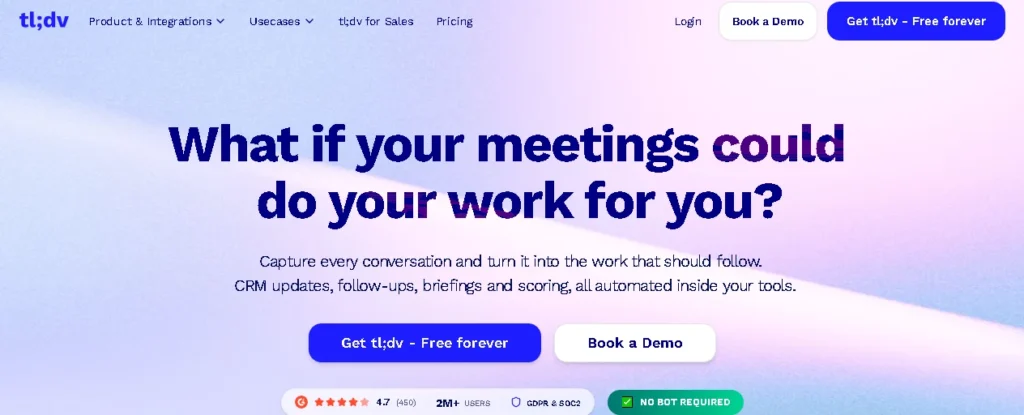
tl;dv starts simple and grows into a full sales-intelligence layer as your team matures. tl;dv is an AI meeting recorder and sales-intelligence platform for teams recording calls across Zoom, Google Meet, and Microsoft Teams.
It begins as a generous multilingual recorder, then grows into cross-meeting search, CRM mapping, coaching, playbooks, and multi-call insights.
That progression makes it practical for a team that wants useful notes right away but may need a full sales layer later, without switching platforms.
Key Features:
- Multilingual meeting recording across Zoom, Google Meet, and Microsoft Teams
- Cross-meeting search to surface insights across past calls
- CRM mapping that pushes meeting data into your sales tools
- Coaching and playbooks for revenue teams
- Multi-call insights that track themes across conversations
- A free plan with a generous recording allowance
Where it wins: The free capture allowance is generous, and the product gives growing revenue teams a path toward coaching without immediately buying an enterprise platform.
What to watch: Free recording can still sit beside limits on AI notes, uploads, and queries. Public prices vary by billing, region, and active promotions, so do not budget from an old comparison page.
Pricing: A free plan is available. Paid pricing is displayed dynamically, so confirm the current Pro and Business total on the official checkout page.
Choose it when: If you want multilingual capture today and a lower-cost path to sales workflows later.
5. Granola (Best Bot-Free Meeting Workflow)
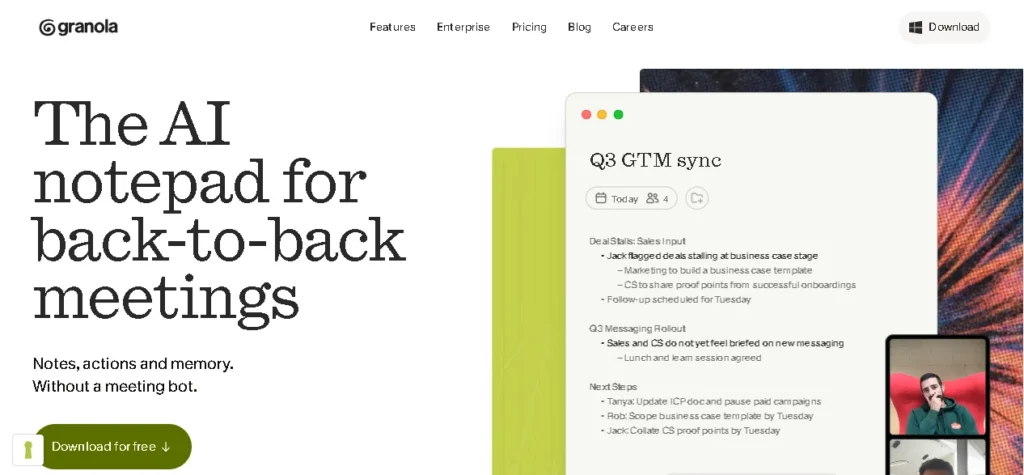
Granola takes notes without ever putting a visible bot in your call. Granola is a bot-free AI meeting assistant that turns spoken conversation into structured notes without adding a visible participant.
Its desktop app listens to device audio and combines the notes you type in real time with AI-generated context, producing a working document instead of a passive transcript.
Custom templates, shared folders, cross-meeting chat, and integrations with tools such as Notion, Slack, HubSpot, Attio, and Zapier keep those notes useful long after the meeting ends.
Key Features:
- Bot-free capture through a desktop app that listens to device audio
- Combines your typed notes with AI-generated context in real time
- Custom templates and shared folders for team workflows
- Cross-meeting chat to ask questions about past notes
- Integrations with Notion, Slack, HubSpot, Attio, and Zapier
- Free Basic plan with unlimited notes and 30-day history
Where it wins: No visible bot changes the tone of client calls. The templates, shared folders, and integrations keep notes useful well after the meeting.
What to watch: Granola cannot attend without you, and its transcript-first approach may not satisfy teams that need a permanent, replayable audio or video archive. Device capture also makes local setup and consent procedures important.
Pricing: Basic is free with unlimited notes and 30 days of history. Business runs $14 per user monthly, and Enterprise starts at $35 per user monthly.
Choose it when: If you run sensitive client, recruiting, consulting, or executive conversations where a visible bot creates friction, you can choose this one.
Keeping meeting notes is only one part of staying organized. If you’re deciding on a workspace for managing projects, documents, and collaboration, check out our Notion vs ClickUp comparison to find the best productivity platform.
6. Grain (Best for Clips, Research, and Coaching Libraries)
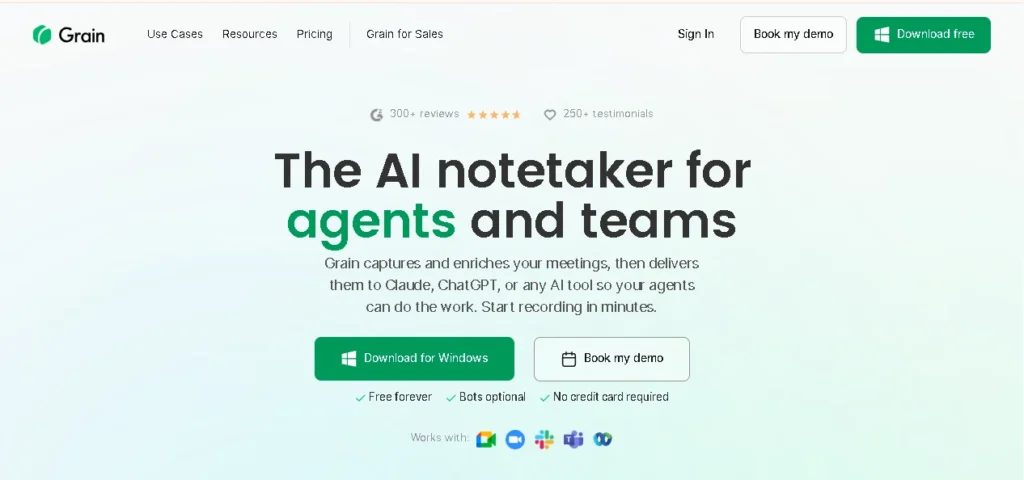
Grain turns customer conversations into shareable clips instead of just transcripts. Grain is built around clips, customer research, and coaching libraries rather than plain transcripts.
It records and transcribes meetings, then lets product, research, sales, or customer-success teams share the exact moment a customer said something important as a short clip instead of paraphrasing it later.
Transcripts, summaries, next steps, comments, and searchable meeting libraries support that reuse across the organization. Bot-less transcription, optional bot-based video recording, and configurable capture rules give teams control over how conversations get captured.
Key Features:
- Shareable clips pulled directly from customer conversations
- Transcripts, summaries, and next steps for every recorded meeting
- Comments and searchable meeting libraries for team collaboration
- Bot-less transcription with an optional bot-based video recording mode
- Configurable capture rules to control what gets recorded
- Free plan covering up to 20 meetings per seat
Where it wins: The clip workflow turns customer language into material that travels across product reviews, coaching sessions, sales handoffs, and research repositories.
What to watch: A team that only wants a basic transcript may pay for capabilities it rarely opens. Auto-sharing settings deserve a careful review before external calls get recorded and distributed.
Pricing snapshot: Free includes up to 20 meetings per seat. Paid pricing starts at $15 per seat monthly when billed annually, or $19 monthly.
Choose it when: Your team repeatedly reuses customer moments, clips, and conversation libraries.
7. Avoma (Best End-to-End Workflow for Revenue Teams)
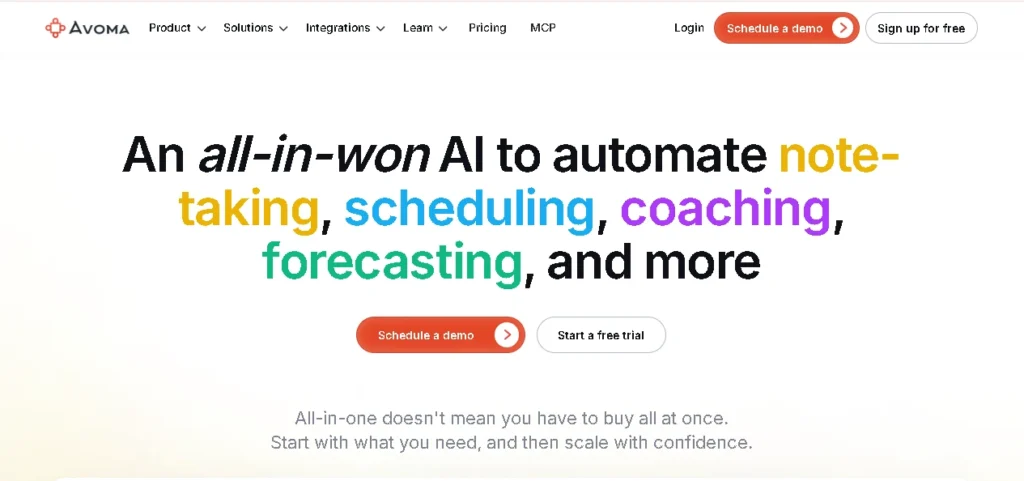
Avoma connects scheduling, notes, CRM, and coaching into one system for sales teams. Avoma is an end-to-end AI meeting assistant built for revenue teams, stretching beyond meeting notes into scheduling, CRM updates, coaching, conversation intelligence, deal risk, and forecasting.
It connects the calendar invite, the conversation, the CRM record, the coaching review, and the pipeline discussion in one place instead of scattering each step across separate tools.
Its recorder-seat pricing model can be economical when many managers or stakeholders need to view meetings but only a smaller group actually records them.
Key Features:
- Live transcription and AI note-taking with smart chapters
- Automatic follow-up emails and CRM data entry after each call
- Scheduling built into the same platform as meeting notes
- Conversation intelligence, deal risk, and forecasting for revenue teams
- Recorder-seat pricing that lets non-recording stakeholders view calls for free
- Separate add-ons for deeper Conversation and Revenue Intelligence
Where it wins: It is one of the few tools here that connects the calendar invite, the call, the CRM record, the coaching review, and the pipeline conversation in one system.
What to watch: The entry plan is only the beginning of the budget. Conversation Intelligence and Revenue Intelligence are separate add-ons, so the realistic cost for a serious sales deployment climbs quickly.
Pricing: Startup is $19 per recorder per month when billed annually. Organization runs $29, and Enterprise is $39 with a ten-recorder minimum. Advanced intelligence add-ons are priced separately.
Choose it when: If your revenue team will actually use scheduling, CRM automation, coaching, and pipeline intelligence together.
8. Read AI (Best for Search Across Meetings and Work Channels)
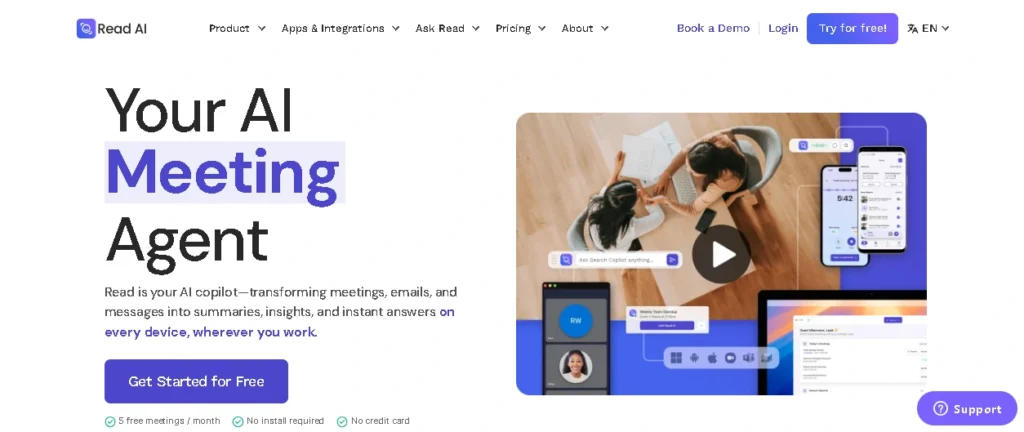
Read AI treats your meetings as one part of a bigger information problem. Read AI generates meeting reports, topics, action items, and coaching insights, then extends that same search across connected email and workplace messaging apps.
That makes decisions scattered across several channels easier to trace. A Chrome extension, in-person capture, inbox insights, and broad integrations turn it into more than a meeting recorder for the right organization.
The free plan is limited to five meeting transcripts a month, so notice and sharing defaults need deliberate setup before rollout.
Key Features:
- Meeting reports covering topics, action items, and coaching insights
- Cross-channel search across meetings, email, and workplace messages
- Chrome extension and in-person capture for broader coverage
- Inbox insights that surface context beyond the meeting itself
- Free plan with five meeting transcripts a month
- Enterprise tiers with expanded licensing for larger teams
Where it wins: Cross-channel search and broad device coverage make it more than a meeting recorder. For the right organization, it becomes a searchable layer over meetings, email, and chat.
What to watch: The free plan is limited to five meeting transcripts a month. Calendar auto-join, attendee notices, sharing defaults, and external-meeting rules need deliberate configuration before rollout.
Pricing: Free includes five transcripts monthly. Pro is $15 per user monthly when billed annually, Enterprise is $22.50, and Enterprise Plus is $29.75 with a five-license minimum.
Choose it when: If your problem is finding context across meetings, email, and workplace messaging.
9. Zoom AI Companion (Best Native Option for Zoom Teams)
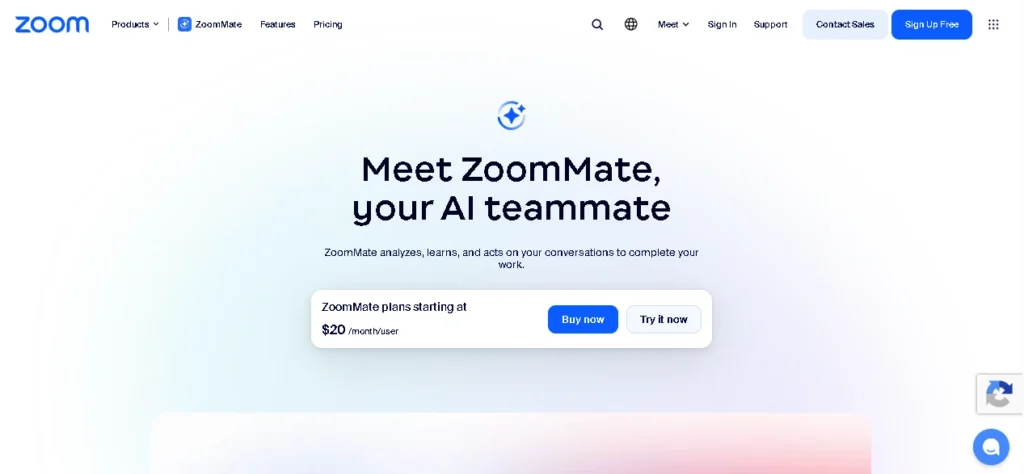
Zoom AI Companion is the obvious pick if your calls already live inside Zoom. Zoom AI Companion is Zoom’s built-in AI meeting assistant, designed for teams that already run calls inside Zoom rather than a separate recording tool.
It generates summaries, action items, smart-recording features, catch-up help, and post-meeting answers, all without adding a visible bot or a separate workflow.
Because it lives natively inside the platform, it cuts down on the procurement and adoption friction that comes with installing a third-party assistant.
Key Features:
- Native AI assistant built directly into Zoom, no separate app needed
- Meeting summaries and action items generated automatically
- Smart-recording features for reviewing key moments
- Catch-up help for joining a meeting late
- Post-meeting answers to questions about what was discussed
- Included on eligible paid Zoom Workplace plans, with a $10/month standalone option
Where it wins: Native integration reduces procurement and user friction. Select capabilities are available to Basic users, and eligible paid Zoom Workplace plans include broader access.
What to watch: Its value drops when meetings regularly happen elsewhere. It does not match the deep CRM automation, clip libraries, or sales coaching offered by specialized platforms.
Pricing snapshot: Select Basic capabilities are limited. AI Companion is included with eligible paid Zoom Workplace plans, and Zoom also lists a standalone option at $10 monthly. Verify plan and regional availability.
Choose it when: If your meetings already happen in Zoom and straightforward native summaries are enough, this would be a great choice.
10. Microsoft 365 Copilot (Best for Teams and Microsoft 365 Organizations)
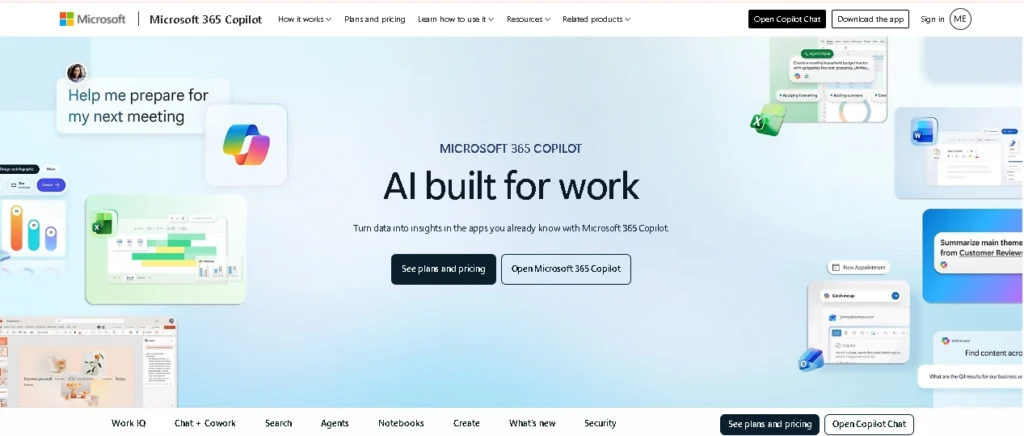
Microsoft 365 Copilot connects your meeting notes to everything else you work in. Microsoft 365 Copilot is Microsoft’s AI assistant for meetings and everyday work, built on the idea that a meeting is not the end of the context around it.
It generates Teams meeting recaps, action items, and summaries, then connects that context to Outlook, Word, PowerPoint, files, calendars, and Microsoft Graph data.
For an organization already committed to Microsoft 365, that continuity across apps can matter more than having the single most specialized meeting notes interface on the market.
Key Features:
- Teams meeting recaps with action items and summaries
- Context that connects meetings to Outlook, Word, PowerPoint, and files
- Calendar and Microsoft Graph data woven into everyday prompts
- Works across the full Microsoft 365 app suite, not just meetings
- Available on Business Standard and Business Premium Copilot licensing
- Enterprise licensing quoted separately for larger organizations
Where it wins: It brings meeting summaries, action items, and follow-up questions into the same environment where people already manage email, documents, presentations, and organizational knowledge.
What to watch: It is hard to justify if meeting notes are your only requirement. Licensing can also be confusing, since free Copilot Chat, business bundles, and enterprise products do not offer identical capabilities.
Pricing: Microsoft currently lists Business Standard with Copilot at $23.50 per user monthly, and Business Premium with Copilot at $32 per user monthly, both paid annually in the US. Enterprise and add-on licensing should be quoted separately.
Choose it when: Your organization already runs on Teams and Microsoft 365 and wants meeting context to flow into everyday work.
Run a Two-Week Pilot Before You Buy
A two-week pilot is the best way to see how an AI meeting assistant performs in real meetings. Instead of relying on feature lists or demo videos, test your top two choices with your team’s actual meetings, speakers, and workflows.
During the trial, use the evaluation table below to compare both tools side by side. Check how well they summarize meetings, capture action items, identify speakers, and how much editing they need.
By the end of the pilot, you’ll have a clear comparison to help you choose the right AI meeting assistant for your team.
| Evaluation Criteria | What to Look For |
| Summary quality | Does the summary accurately capture the meeting outcome? |
| Decision accuracy | Are decisions, deadlines, and key details correct? |
| Action items | Are tasks assigned to the right people with clear next steps? |
| Speaker recognition | Does the tool correctly identify each speaker? |
| Editing effort | How much time did you spend correcting the notes? |
| Search experience | Can you quickly find important discussions later? |
| Meeting capture | Did the tool join and record meetings without issues? |
| Privacy & sharing | Are sharing controls suitable for your team? |
| Overall cost | What’s the actual monthly cost, including extras? |
Privacy, Consent, and Security
Bot-free does not mean disclosure-free. Whether a visible participant joins the call or software quietly captures audio on a device, your organization stays responsible for notice, consent, retention, access, and lawful use.
- Confirm which recording-consent rules apply to every participant’s jurisdiction
- Check whether attendee notification is automatic or must be handled separately
- Review who receives transcripts, summaries, clips, and recordings by default
- Set retention periods and deletion responsibilities before the first rollout
- Confirm whether customer data is used for model training and what opt-out controls exist
- Restrict who can download, share, export, or delete meeting content
- Verify that any required SSO, audit logs, data residency, HIPAA support, or contractual controls are included in the tier you purchase
This section is general editorial information, not legal advice. Get qualified guidance for regulated, confidential, or high-impact deployments.
Finding Your Best AI Meeting Assistant
Choose Otter for a familiar, general-purpose assistant with strong device coverage, Fireflies for multilingual value, and Fathom for the most convincing free starting point. Pick Granola when a visible bot changes the tone of the meeting, Grain when clips and customer evidence need to travel across the business, and Avoma when the meeting has to feed a complete revenue workflow.
If your organization already lives inside Zoom or Microsoft 365, test the native option first before adding another vendor.
Whatever your shortlist looks like, base the final call on real meetings, correction time, consent and sharing defaults, and the full paid cost, not on the smoothest product demo.
The best AI meeting assistants earn their spot by making your actual meetings easier, not by looking good in a comparison table.
Looking to build a complete AI toolkit? Besides meeting assistants, you can also explore our guides to the Best AI for Writing Essays, Best AI Medical Scribe Tools, and our Jasper vs Copy.ai comparison to discover AI solutions for writing, documentation, and content creation.
Frequently Asked Questions
What is the best free AI meeting assistant?
Fathom is the strongest general free option, offering unlimited recordings and transcripts. Fireflies is compelling for broad language support and unlimited summaries, though storage and credits are limited.
Do these tools work with Zoom, Google Meet, and Microsoft Teams?
Most dedicated assistants support all three platforms. Granola listens through device audio instead of joining a specific platform, and Zoom AI Companion and Microsoft 365 Copilot are built primarily for their own ecosystems.
What is the difference between bot-based and bot-free capture?
A bot joins the call as a visible participant, while a bot-free tool captures audio through a desktop app or native integration. Bot-free can feel less intrusive, but it does not remove your notice or consent responsibilities.
Which tool is best for sales teams?
Avoma is the strongest end-to-end option for scheduling, CRM updates, coaching, and revenue intelligence. Grain is better when clips and customer evidence matter most, while tl;dv offers a lower-cost path toward multilingual sales workflows.
Which tools support HIPAA-related deployments?
Several vendors advertise HIPAA-related support on specific enterprise tiers, including Fireflies, Avoma, Read AI, and Otter. Confirm the exact plan, configuration, and business associate agreement directly with the vendor.
Can meeting assistants update a CRM?
Yes. Fireflies, Fathom, tl;dv, Grain, Avoma, Otter, Read AI, and Granola all offer CRM connections on eligible tiers. Depth varies. Some just attach notes, while others map fields, update deals, or trigger follow-up workflows.
Are AI summaries accurate enough to use without review?
No summary should be treated as authoritative without a quick check. Audio quality, jargon, accents, interruptions, and overlapping speakers all affect the result, so verify decisions, commitments, numbers, and anything legally or financially important against the transcript.
Do I need a paid plan?
A free plan may be enough for occasional personal meetings. Pay once limits, shared search, administration, CRM sync, custom templates, or compliance controls make the free workflow unreliable for your team.
Leave a Reply