
It is 11 p.m., your essay is due tomorrow, and the cursor on your blank document has been blinking at you for twenty minutes straight. You know your topic. You have six browser tabs open and a dozen half-formed thoughts. What you do not have is one clear sentence to start with.
But the good news is, that stuck feeling has a real fix!
The best AI tools for writing essays will not write the thing for you, at least not one you should hand in as your own, but it will question a shaky thesis, turn messy notes into an outline, or rescue a paragraph that just will not cooperate.
We tested ten of these tools so you do not have to guess. Stick around, because the one that fits your process is probably not the name everyone else keeps recommending.
So, let’s get into it!
Table of Contents
Quick Comparison Table
Here is a snapshot of all 10 tools, including what each is best for and where pricing starts.
| Tool | Best For | Free Plan | Paid Plan From |
|---|---|---|---|
| ChatGPT | All-stage essay support | Yes | $8/month |
| Claude | Long, source-heavy essays | Yes | $17/month on annual billing |
| Jenni AI | Citations and academic drafting | Yes | $12/month |
| Paperpal | Research papers and theses | Yes | $6/month on annual billing |
| Grammarly | Editing and originality checks | Yes | $12/month |
| QuillBot | Free rewriting and citations | Yes | Varies by term |
| SciSpace | Literature reviews | Yes | $12/month on annual billing |
| Gemini | Google Docs workflow | Yes | $4.99/month |
| Perplexity | Source discovery | Yes | $17/month on annual billing |
| HyperWrite | Autocomplete drafting | Limited | $16/month on annual billing |
US list prices checked in July 2026. Annual plans are usually billed upfront, and regional pricing can differ.
How We Chose the Tools
We evaluated all ten AI essay tools using the same weighted framework, so a higher score always means real student usefulness, not a longer feature list.
Here are the things we considered:
Writing, outlining, and reasoning quality: This carries the most weight because it covers whether a tool genuinely helps you think and structure an argument, not just clean up grammar.
Research and citation reliability: We checked how well each tool handles sources, references, and academic accuracy.
Ease of use and everyday workflow fit: A powerful tool is not much use if it fights your process, so we looked at setup time and how naturally it fits how students actually write.
Value and free plan usefulness: We weighed pricing clarity and whether the free tier is actually usable, not just a teaser.
Editing and originality support: We checked grammar, tone, and for plagiarism or AI detection, where applicable.
Privacy and academic integrity fit: We reviewed data handling and how each tool supports honest, disclosed AI use.
Integrations and accessibility: We checked how well each tool integrates with Docs, Word, and the browsers you already use.
1. ChatGPT (Best Overall AI Essay Writing Assistant)
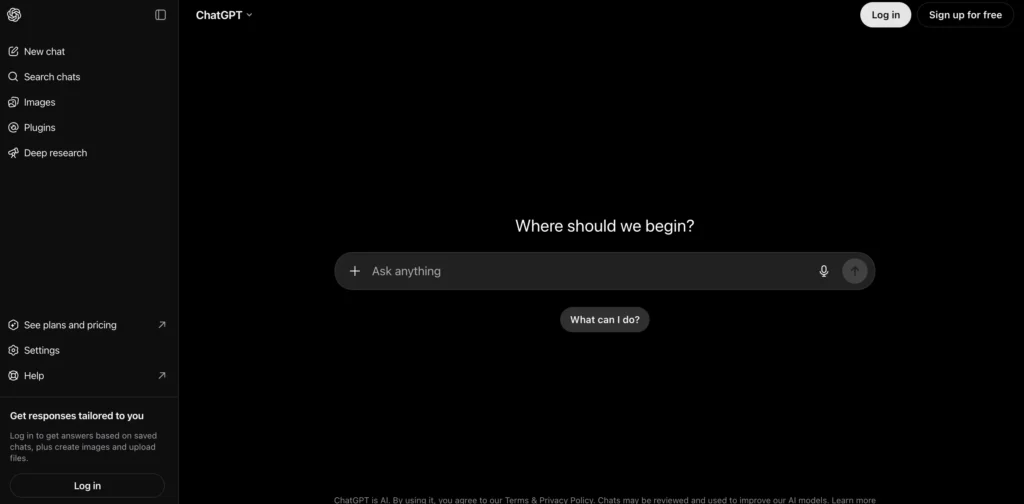
ChatGPT is the easiest tool here to bend around your own process, from the first idea to the final revision.
It can challenge a weak thesis, turn messy notes into an outline, explain a source, or rewrite a paragraph that just does not sound right yet. Web search also makes it useful for current topics, though every source it points to still needs a manual check before you cite it.
Key Features:
- Brainstorm and stress-test a thesis before you start writing
- Turns rough notes into a structured outline in seconds
- Analyzes uploaded files, PDFs, and lecture notes
- Web search pulls in the current context for timely topics
- Rewrites a rough paragraph without losing the original meaning
Where it wins: ChatGPT is flexible across subjects and assignment types, and the free plan comes with a simple, uncluttered interface that new users pick up fast.
What to watch: There is no dedicated plagiarism checker built in, and it can produce confident-sounding but inaccurate facts or references, so verify anything you plan to cite.
Pricing: Free to start, with Go at $8 per month, Plus at $20 per month, and Pro at $100 per month.
Choose it when: You want one flexible assistant for the whole writing process, and you plan to treat its output as material to verify and rewrite, not a finished submission. Skip it if your assignment is citation-heavy and you want references built into the writing itself.
If you’re comparing AI writing tools for purposes beyond academic essays, you may also find our Jasper vs Copy.ai comparison helpful. It breaks down two of the most popular AI copywriting platforms for blogs, marketing content, and business writing.
2. Claude (Best for Long, Source-Heavy Essays)
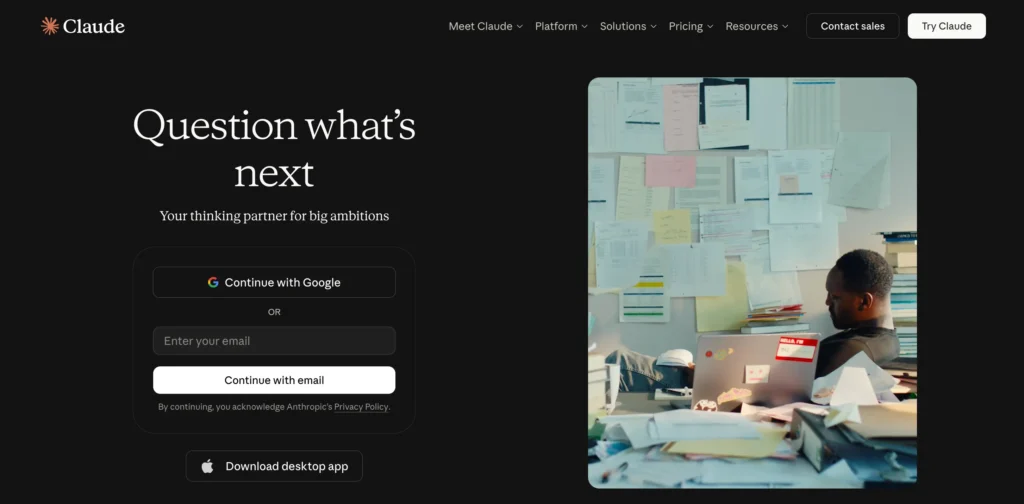
Claude’s real advantage is coherence over length, holding a long argument and many sources together without losing the thread.
Feed it an outline, a stack of sources, and a partial draft, and it is genuinely good at noticing when your argument drifts or a later paragraph stops supporting the thesis. Its writing tends to feel measured and natural, though it can still summarize an ambiguous source too confidently.
Key Features:
- Holds a full outline, source pack, and draft together in one place
- Projects feature keeps sources and drafts organized across sessions
- Flags when a later paragraph drifts from the original thesis
- Handles long uploaded documents without losing earlier context
- Free plan covers everyday brainstorming and drafting
Where it wins: Claude is strong at holding a document’s structure together across long documents, and its Projects feature helps organize sources and drafts in one place rather than scattered tabs.
What to watch: There is no built-in plagiarism checker or citation manager, and free plan usage limits can interrupt a long working session.
Pricing: Free to start. Pro at $20 monthly or $17 per month on annual billing, and Max at $100 per month.
Choose it when: Keeping the whole argument straight is harder than writing the next sentence. Look elsewhere if you need a built-in citation manager or plagiarism scan alongside the writing itself.
3. Jenni AI (Best for Citations Inside Your Draft)
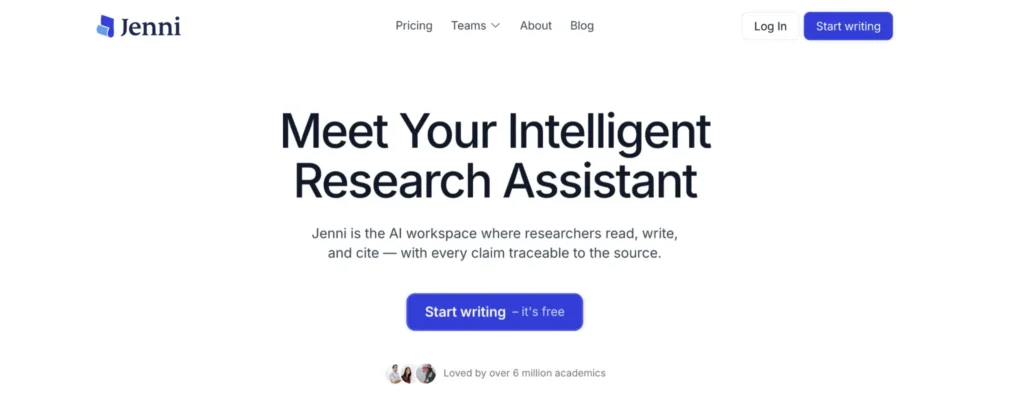
Jenni AI is designed around academic writing rather than being adapted from a general chatbot.
It autocompletes text, works with uploaded PDFs, and inserts citations in more than 10,000 styles, which beats copying references back and forth between a chatbot, a citation website, and your document editor.
Key Features:
- Inserts citations in more than 10,000 styles as you write
- Autocomplete suggests the next sentence based on your draft
- Works directly with uploaded PDFs and research sources
- Built specifically for academic essays and research papers
- Free plan includes unlimited citations
Where it wins: Citation management is built directly into the writing flow, and the free plan includes unlimited citations, which is rare for this category.
What to watch: Autocomplete length is limited on the free tier, and generated prose still needs an originality and source check before you submit it.
Pricing: Free to start, with Plus at $12 per month and Pro at $29 per month.
Choose it when: Citation management is part of the writing problem, not an afterthought. Skip it if you mostly write short, uncited reflective essays, since the citation focus will feel like overkill.
4. Paperpal (Best for Research Papers and Theses)
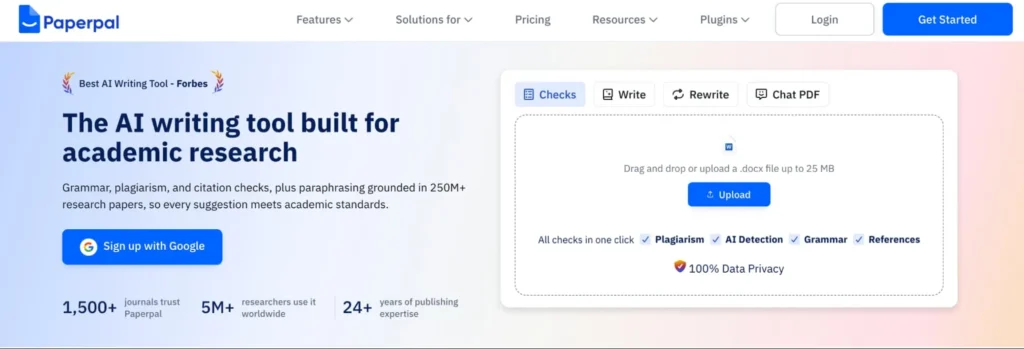
Paperpal pairs academic language editing with real research tools on a single platform.
It searches a large scholarly index, supports thousands of citation styles, checks references, and adds plagiarism and AI-detection checks. That is more workflow than a short school essay needs, but it earns its keep once source quality and academic tone matter as much as the draft itself.
Key Features:
- Searches a large scholarly index for relevant sources
- Supports thousands of citation styles for research papers
- Runs plagiarism and AI-detection checks
- Provides academic language and tone editing
- Works on the web and inside common writing apps
Where it wins: Academic editing, citations, and research live in one platform, and it works on the web and through common writing app integrations.
What to watch: There is more tooling here than most short essays actually require, and key checks along with higher limits sit behind the Prime plan.
Pricing: Free to start, with Prime at $20 monthly or $6 per month on annual billing, Pro at $47 monthly or $14.50 per month on annual billing.
Choose it when: You need academic editing, research, and citations to work together for a thesis or literature review. Undergraduates with short, low-stakes assignments will likely get more value from a simpler tool.
5. Grammarly (Best for Editing and Originality Checks)
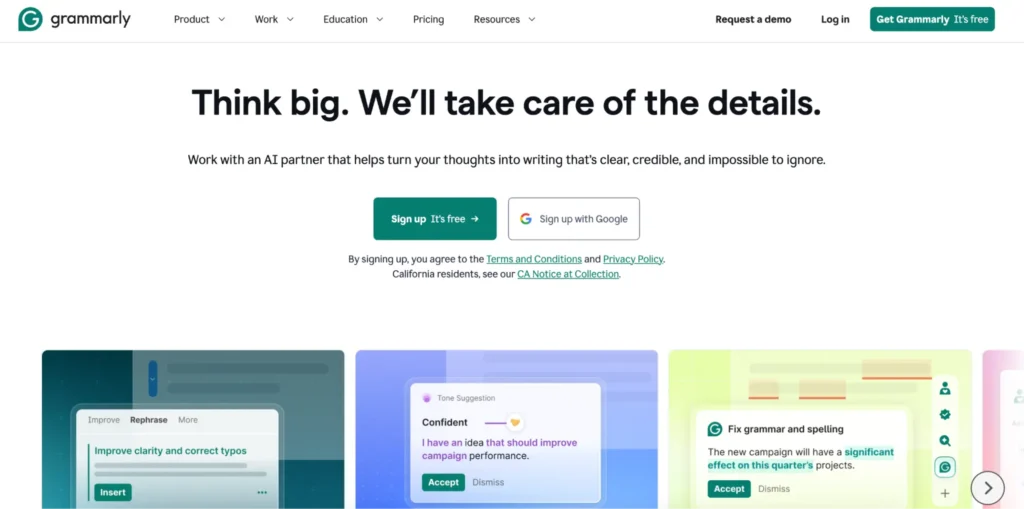
Grammarly remains strongest during revision, catching what a tired eye tends to miss.
It catches grammar and clarity issues inside Word, Google Docs, browsers, and desktop apps. It can also generate text and outlines now, so calling it just a grammar checker is outdated, but its biggest value still sits in that final editing pass.
Key Features:
- Catches grammar, clarity, and tone issues in real time
- Works inside Word, Google Docs, browsers, and desktop apps
- Generates drafts and outlines, not just corrections
- Pro plan adds plagiarism and AI-generated-text detection
- Free plan includes 100 AI prompts a month
Where it wins: Grammarly works almost everywhere students already write, and the Pro plan adds plagiarism and AI-generated-text detection on top of everyday editing.
What to watch: Accepting every suggestion can flatten your own voice, and research or source management stays limited compared to dedicated academic tools.
Pricing: Free with 100 AI prompts, with Pro from $12 per month for 2,000 prompts.
Choose it when: The argument already exists, and you need a final editing pass. It catches costly presentation problems, not what you should argue, so it is a poor fit if you need help forming the thesis itself.
6. QuillBot (Best Free Rewriting and Citation Toolkit)
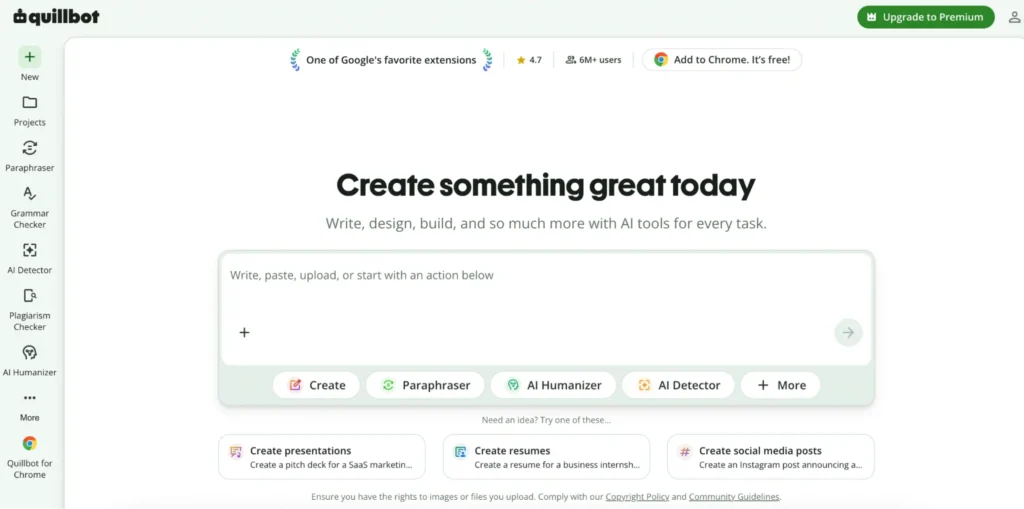
QuillBot now offers a genuinely useful free toolkit that goes well beyond paraphrasing.
Its free tools include grammar checking, summarizing, citation generation, translation, and AI detection, and QuillBot Flow adds a fuller co-writing workspace. The free paraphraser accepts only short passages at a time, which is fine for focused revision but not for rewriting an entire paper.
Key Features:
- Paraphrases short passages for sentence-level clarity
- Free grammar checker, summarizer, and citation generator
- Built-in AI detection to check your own writing
- QuillBot Flow adds a fuller co-writing workspace
- Translation tools for multilingual students
Where it wins: Several genuinely useful tools are free, and it is strong at sentence-level clarity and quick summaries.
What to watch: Over-paraphrasing can make writing feel less personal, and plagiarism checking runs separately from AI detection instead of in one pass.
Pricing: Core tools are free, with Premium pricing that varies by billing term and promotion.
Choose it when: You write your own drafts and just need help revising them on a budget. Avoid leaning on the paraphraser for a whole paper, since heavy rewriting can flatten your own voice.
7. SciSpace (Best for Literature Reviews)
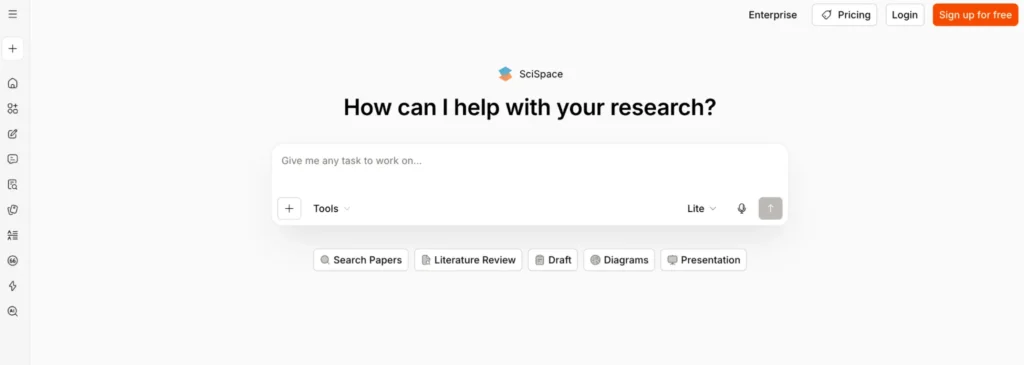
SciSpace works first as a research assistant and second as an essay tool.
It helps you search scholarly literature, ask questions about specific papers, pull out findings, and compare studies side by side. That makes it especially useful during the messy stage when you have a topic but do not yet know which sources belong in your argument.
Key Features:
- Searches scholarly literature by topic or question
- Answers questions about specific uploaded papers
- Extracts findings and compares multiple studies
- Maps themes across a body of research
- Free access to core search and paper-explanation tools
Where it wins: SciSpace has a strong scholarly search and paper-explanation workflow, and it is useful for mapping themes across several studies at once.
What to watch: It is not the strongest tool for polishing a final draft, and research summaries still need checking against the original paper.
Pricing: Free access is available, with Premium at $20 monthly or $12 per month on annual billing, Advanced at $90 monthly or $70 per month on annual billing, and Max at $200 monthly or $160 per month on annual billing.
Choose it when: Finding and understanding credible research is your real bottleneck. Look elsewhere if drafting and polishing the essay itself is what you actually need help with.
8. Gemini (Best for Students Already in Google Docs)
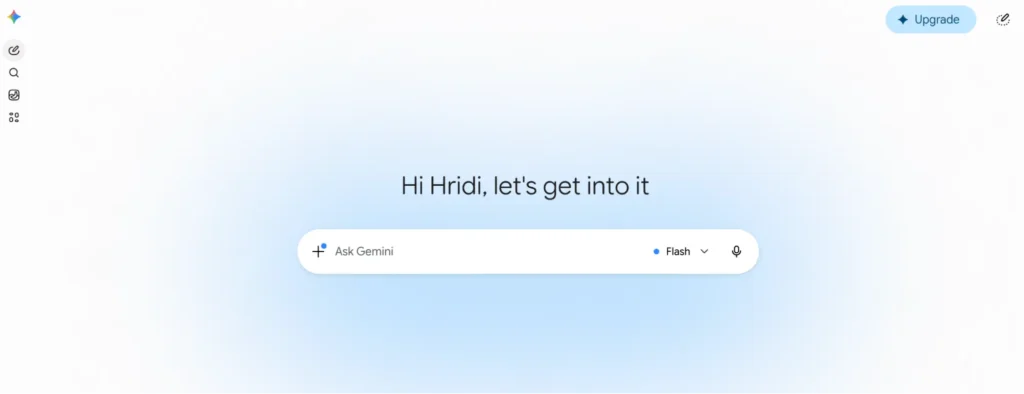
Gemini is convenient once your notes, sources, and drafts already sit in Google’s ecosystem.
It works with uploaded material, supports deep research, and helps refine ideas inside the tools you already use. Google AI Pro also unlocks expanded NotebookLM access, which is handy for asking questions grounded in your own source collection.
Key Features:
- Works natively inside Google Docs and Drive
- Supports deep research across uploaded material
- Google AI Pro unlocks expanded NotebookLM access
- Large context window for source-heavy coursework
- Free Gemini access for everyday brainstorming
Where it wins: Gemini integrates strongly with Docs, Drive, and NotebookLM, and its large context window suits source-heavy coursework.
What to watch: The paid bundle includes extras many students will not need, and availability and plan benefits vary by country and age.
Pricing: Free access is available, with Google AI Plus at $4.99 per month and Google AI Pro at $19.99 per month in the US.
Choose it when: Your coursework already lives in Google Docs, and NotebookLM is part of your research routine. Skip it if your coursework lives entirely in Word or Notion instead.
9. Perplexity (Best for Finding Current Sources Fast)
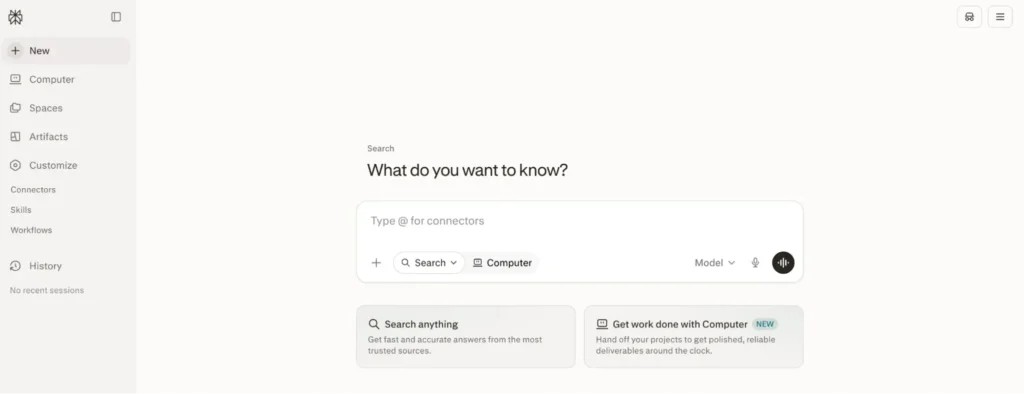
Perplexity behaves more like a search engine than an essay writer.
It searches the web, cites the pages behind its answers, and lets you follow a research question through several related searches. That transparency helps, but a cited link is not proof the answer actually understood the source correctly.
Key Features:
- Searches the web and cites the pages behind every answer
- Let’s you follow a research question through related searches
- Surfaces current sources for fast-moving topics
- Free plan available for casual research
- Max tier adds expanded usage for heavy research
Where it wins: Perplexity offers fast research with visible, clickable source links, and it is useful for discovering vocabulary, debates, and further reading.
What to watch: It is not built as an academic citation manager, and the sources it surfaces can be weak, secondary, or misread.
Pricing: Free plan available, with Perplexity Pro at $20 monthly or $17 per month on annual billing, Enterprise Pro at $34 per month per seat on annual billing, Perplexity Max at $200 monthly, and Enterprise Max at $271 per month per seat on annual billing.
Choose it when: You need current sources quickly and a linked starting point for research. Pair it with a dedicated writing tool rather than expecting it to draft the essay.
10. HyperWrite (Best for Sentence-by-Sentence Drafting)
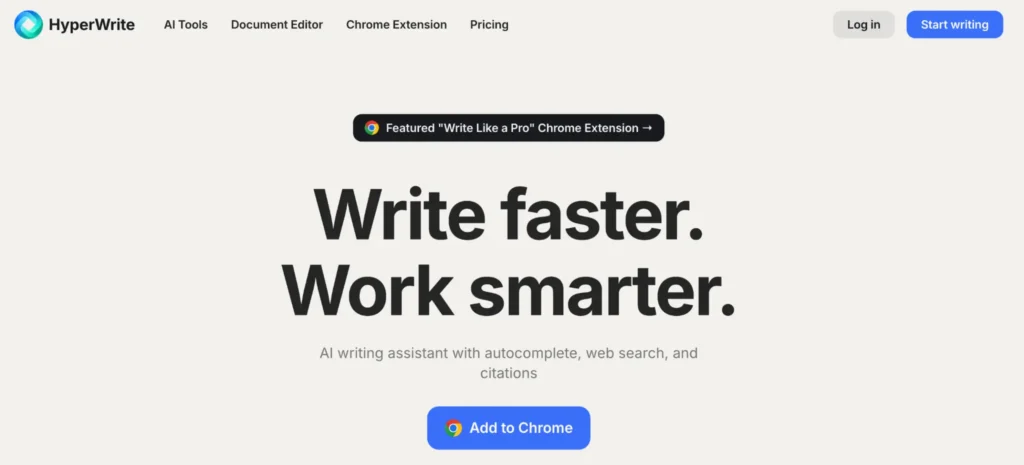
HyperWrite’s TypeAhead suggestions keep you in the sentence-by-sentence drafting loop instead of generating a whole page at once.
It also adds real-time research, citations, and custom writing personas. This can feel more natural than editing a complete AI draft, though its paid limits are less attractive for occasional use.
Key Features:
- TypeAhead suggestions keep you writing sentence by sentence
- Real-time research and citations built into Premium
- Custom personas for different writing styles
- Library of focused writing tools beyond essays
- Limited free access for occasional use
Where it wins: Autocomplete supports your drafting rhythm rather than replacing it, and Premium includes citations and real-time information.
What to watch: Heavy use gets expensive fast, and there is no built-in plagiarism checker.
Pricing: Limited free access, with Premium at $19.99 monthly or $16 per month on annual billing, and Ultra at $44.99 monthly or $29 per month on annual billing.
Choose it when: You want AI beside the cursor, not in control of the whole document. Occasional users may find the cost hard to justify against free alternatives.
Bonus Tips: What to Look for in an AI Essay Tool
The right features matter more than a flashy demo, so check these before you commit to one.
Tone and assignment control: A good tool lets you set essay type, tone, and word count upfront, so you are not fighting the output afterward to match your teacher’s brief.
Real source and citation support: Look for tools that let you upload a reading or paste a source link, so the draft builds on your actual research instead of invented facts.
Originality you can trust: No tool can guarantee a plagiarism-free result, but the stronger ones are built to avoid copying existing text and pair well with a separate originality check.
Writing that still sounds like you: Heavily templated AI phrasing is the easiest way to get flagged. Tools that let you edit in your own voice hold up better than ones that hand you a finished block of text.
A free plan worth testing: Check the real limits, word counts, prompt caps, or a single free essay, before you subscribe to anything.
Clear data privacy: If you are uploading research or drafts, check whether the platform stores or reuses that content before you paste in anything sensitive.
Easy export: A tool that locks your draft inside its own editor creates more work than it saves. Look for simple copy, download, or direct integration with Google Docs and Word.
If your work also includes creating presentations or visual content, choosing the right design software can save time. Our Figma vs Canva comparison explains which platform is better for students, professionals, and content creators.
Test Before You Subscribe
A real test beats a feature list, so try your top two picks on one actual assignment before you pay for anything.
Upload a reading, ask the tool to identify competing claims, then check the answer against the source itself. Give it one weak paragraph and see whether the revision keeps your meaning and voice intact.
Use the checklist below to compare your two finalists side by side:
| Criterion | What to Check |
|---|---|
| Argument quality | Does the outline or draft support a clear thesis? |
| Citation accuracy | Are sources and references correct and traceable? |
| Voice preservation | Does a revised paragraph still sound like you? |
| Originality | Does the tool flag or avoid copied phrasing? |
| Editing time | How many minutes did you spend fixing the output? |
| Search and retrieval | Can you quickly find a past draft or source again? |
| Overall cost | What is the real monthly cost, including add-ons? |
Academic Integrity and Safe AI Use
AI rules vary by institution, course, and professor, so check your syllabus before using any tool on graded work. A use that is fine in one class can count as misconduct in another.
Lower-risk uses generally include brainstorming questions, testing an outline, explaining a difficult concept, checking grammar, formatting verified citations, or asking for feedback on a draft you actually wrote.
Higher-risk uses generally include submitting AI-generated prose as your own, using invented quotes or references, hiding prohibited AI use, or asking a tool to complete an assessment meant to measure your independent ability.
This section is general editorial information, not academic policy. Confirm your institution’s specific AI and integrity rules directly.
Privacy and Source Accuracy
Do not upload private student records, confidential research, someone else’s unpublished work, medical information, or anything covered by an NDA unless your institution and the platform both allow it. Data handling differs by product and plan, so check the current privacy settings instead of assuming free or paid automatically means safe.
AI tools can invent authors, titles, dates, quotations, page numbers, and DOIs. Open the original source and confirm it exists, supports your claim, and is cited in the required style. A perfectly formatted false citation is still false.
Find Your Best AI Essay Tool
Choose ChatGPT for a familiar, flexible assistant that covers the whole process, Claude for long papers built on many sources, and Jenni AI when citations need to live inside the draft itself. Pick Paperpal or SciSpace when a thesis or literature review is the real project, and Grammarly or QuillBot when you already have a draft and just need to polish it.
If you already work inside Google Docs, test Gemini before adding another tool. If your bottleneck is finding sources rather than writing, start with Perplexity instead.
Whatever you land on, base the decision on one real assignment, correction time, and the full cost, not on the smoothest demo. The best AI tools for writing essays is whichever one earns its keep on the paper you are actually writing.
Looking to build a complete AI-powered productivity stack? Besides essay writing assistants, you can also explore our guides to the Best AI Meeting Assistants and Best AI Medical Scribe Tools to discover specialized AI solutions for business professionals and healthcare teams.
Frequently Asked Questions
What is the best AI for writing essays?
ChatGPT is the best general starting point for most students. Claude works better for long, source-heavy documents, while Jenni AI and Paperpal shine when citations and academic research matter most.
What is the best free AI essay tool?
ChatGPT and Claude both offer useful free plans for brainstorming and drafting. QuillBot has the strongest set of free revision tools, including paraphrasing, grammar, citations, summaries, and AI detection.
Can AI write an entire college essay?
It can generate a full draft, but submitting that draft as your own may break academic integrity rules. AI is safer and more useful for planning, feedback, research support, and revision.
Which AI is best for citations?
Jenni AI is the strongest writing-first option for inserting citations as you draft. Paperpal adds deeper research and reference checks, and QuillBot offers a convenient free citation generator.
Is Claude better than ChatGPT for essays?
Claude often has an edge on long essays with many sources. ChatGPT is usually easier for quick brainstorming, fast iteration, and a broader range of everyday tasks.
Can professors reliably detect AI writing?
AI detectors can produce false positives and false negatives, so a detector score alone is not proof of anything. What matters more is whether your use follows course policy and reflects your own reasoning.
Does Grammarly write essays?
Grammarly can generate drafts and outlines, but its strongest role is still editing. It works best for improving clarity, grammar, tone, and originality after you have already developed the argument.
How do I stop AI from inventing citations?
Ask the tool for source links, then open and verify every source yourself. Search the title, author, publication, date, page number, and DOI in a library database or on the publisher’s site before you cite it..

Leave a Reply