
You picked an email tool to send a newsletter. Somehow you ended up debating subscriber tiers, automation step limits, and whether SMS counts as a separate product.
ConvertKit and Mailchimp get compared constantly, but they were not built for the same person.
One grew up around bloggers, podcasters, and course creators who needed to grow and monetize a list. The other grew up around small businesses running campaigns alongside a Shopify store.
ConvertKit also renamed itself Kit in October 2024. You will see both names used across the web depending on when a page was written.
This comparison covers what each platform actually does well in 2026, where the pricing gets expensive, and which one fits the problem you are trying to solve.
Let’s get into it.
Table of Contents
- Quick Recommendation
- Kit vs Mailchimp at a Glance
- Kit vs Mailchimp: Which One Should You Choose?
- Kit: Email Marketing Built for Creators
- Mailchimp: Marketing Automation Built for Businesses
- How Email Design and Deliverability Compare
- Kit Strengths: Where It Stands Out
- Mailchimp Strengths: Where It Stands Out
- Kit vs Mailchimp Pricing Compared
- Which Tool Fits Your Workflow
- Can You Use Both Together
- Find Your Best Email Marketing Tool for the Job
- Frequently Asked Questions
Quick Recommendation
Kit (ConvertKit): Best for creators who sell something. Choose Kit if you write a newsletter, sell digital products or courses, and want tagging, automations, and monetization tools built around one person’s audience.
Mailchimp: Best for small businesses running broader marketing. Choose Mailchimp if you need polished email design, e-commerce integrations, and a platform a small team can share.
Kit vs Mailchimp at a Glance
Here’s the short version before the details.
| Category | Kit (ConvertKit) | Mailchimp | Winner |
|---|---|---|---|
| Best for | Creators building and monetizing an audience | Small businesses running e-commerce and campaign marketing | Depends on the goal |
| Free plan | Up to 10,000 subscribers, unlimited sends | Up to 250 contacts, 500 sends a month | Kit |
| Email design | Plain-text first, around two dozen templates | Drag-and-drop builder, hundreds of templates | Mailchimp |
| Automation | Visual automations built around tags and sequences | Up to 200 automation flows on Standard and Premium | Depends on the plan |
| Selling digital products | Built in on every plan, including free, no extra cut beyond Stripe fees | Not a native feature, needs a separate e-commerce platform | Kit |
| SMS marketing | Not offered | Paid add-on in select countries | Mailchimp |
| Entry paid price | $39/mo for 1,000 subscribers | $13/mo for 500 contacts | Mailchimp |
Kit vs Mailchimp: Which One Should You Choose?
Choose Kit if your business is built around your own name and voice. You write regularly and want to sell a course, a template pack, or a paid newsletter directly to your list.
Choose Mailchimp if you run a small business with a storefront. You need email design that looks finished fast, plus room to add SMS or AI-generated copy later.
Both tools can technically do either job. The difference shows up in what each one makes easy versus what it makes you fight for.
Kit: Email Marketing Built for Creators
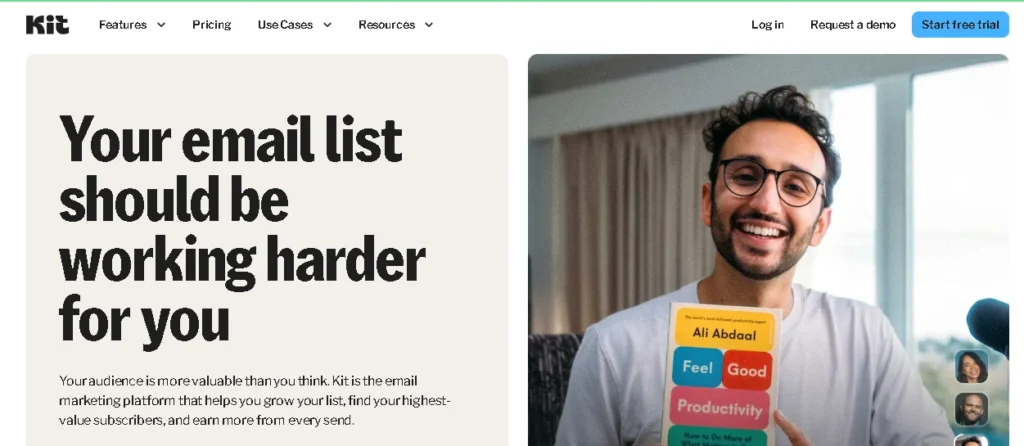
Kit was built for people, not companies. A single creator can grow a list, tag subscribers by interest, run automated sequences, and sell a digital product without leaving the platform.
The free Newsletter plan supports up to 10,000 subscribers with unlimited sends, landing pages, and forms. It caps you at one automation and one sequence until you upgrade.
The paid Creator and Creator Pro plans remove that cap. They add unlimited automations, subscriber scoring, and reporting that shows which content actually drives sales.
Kit’s Commerce feature lets you sell digital products and paid subscriptions directly. Kit does not take a cut beyond what Stripe charges for payment processing.
The trade-off is design. Kit’s editor leans plain text on purpose, since text-first emails tend to land in the inbox instead of the promotions tab.
You get roughly two dozen templates to start from, a small library next to Mailchimp’s. If you want heavily designed, image-driven emails, Kit will feel limited.
Mailchimp: Marketing Automation Built for Businesses
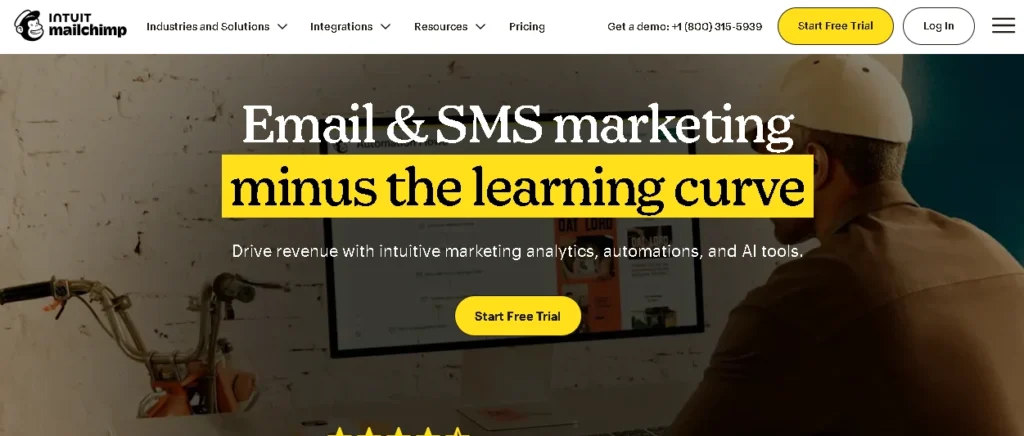
Mailchimp is a broader marketing platform that happens to have started as an email tool.
Under Intuit’s ownership since 2021, it has added generative AI writing and design tools, predictive audience segmentation, and multi-step automation flows.
The drag-and-drop email builder is where Mailchimp separates itself from Kit. You get a large template library and dynamic content blocks that change what a subscriber sees.
For a business selling products online, Mailchimp’s e-commerce integrations connect store data directly into campaigns. You can email people who abandoned a cart or bought a specific item.
Mailchimp treats automation as a paid feature rather than a core one. Essentials caps you at four-step flows, and real automation depth only opens up on Standard and above.
SMS marketing is a separate paid add-on, available only in select countries once you apply and get approved.
How Email Design and Deliverability Compare
“Which one looks better?” depends on what you are sending. A rich promotional email and a plain personal newsletter are different jobs.
Mailchimp’s builder produces polished, image-heavy emails fast. The template library and drag-and-drop editor get you there without much design skill.
The trade-off: heavily designed emails are more likely to land in a promotions tab, and they take longer to put together than a plain-text draft.
Kit’s plain-text-first approach reads more like a personal email, which tends to land in the primary inbox rather than a promotions folder.
For a writer whose business depends on people actually reading the newsletter, that deliverability edge matters more than a polished template.
The limitation is real, though. If your brand depends on visual consistency across campaigns, Kit’s smaller template set will feel restrictive.
Neither platform guarantees inbox placement. Sender reputation, list hygiene, and send frequency affect deliverability regardless of the tool.
| Factor | Kit (ConvertKit) | Mailchimp |
|---|---|---|
| Template library | Around two dozen, plain-text leaning | Large library, image and layout heavy |
| Editor style | Simple text editor built for writing | Drag-and-drop visual builder |
| Best suited for | Newsletters, personal writing, launches | Promotions, product announcements, campaigns |
Bottom line: Kit tends to win on inbox placement for plain writing. Mailchimp wins on visual polish for campaign-style email.
Kit Strengths: Where It Stands Out
Kit is built for a single creator running an audience business. These are the areas where it beats Mailchimp-
A genuinely usable free plan: Ten thousand subscribers on the free tier is far more generous than Mailchimp’s 250-contact limit. A creator can build a real list before paying anything.
Built-in monetization: Selling digital products, courses, and paid newsletter subscriptions is native to Kit. You are not paying for a separate checkout tool.
Tagging over lists: Kit organizes subscribers by tags and behavior rather than separate audiences. That makes segmenting one list simpler than juggling several.
Free migrations: New paid customers with over 5,000 subscribers get a free, hands-on migration of their list, tags, and forms.
Creator Network: Kit’s recommendation system lets newsletters refer subscribers to each other. On paid plans, creators can earn from those recommendations.
Want to build and monetize your own audience?
Mailchimp Strengths: Where It Stands Out
Mailchimp is built for small businesses that need more than a newsletter tool. These are the strengths that make it a fit for e-commerce and small marketing teams-
Lower entry price: Essentials starts at $13 a month, well under Kit’s $39 starting price, for scheduled campaigns without heavy automation.
Deeper e-commerce integration: Mailchimp connects directly to store platforms. It can trigger emails based on purchase behavior, abandoned carts, and browsing activity.
Team-friendly seats and roles: Standard includes 5 seats with 4 permission roles, and Premium offers unlimited seats. Kit’s team structure is simpler.
AI writing and design tools: Standard and Premium include generative AI features for drafting copy and building layouts at no added cost.
SMS as an option: You can add text message marketing through Mailchimp’s add-on without a second platform. Kit has no SMS feature at all.
Need email design, e-commerce data, and room for a team?
Kit vs Mailchimp Pricing Compared
Kit’s pricing is simple on the surface: three plans, priced by subscriber count, with unlimited sends on every tier.
Creator starts at $39 a month for 1,000 subscribers, or $33 a month billed annually.
Creator Pro starts at $79 a month, or $66 annually. It adds subscriber scoring, Facebook custom audiences, and a referral system.
Both paid tiers scale with your list. A 5,000-subscriber Creator account runs around $89 a month, climbing to roughly $199 at 25,000.
Kit raised these prices in September 2025, when the old $15-a-month entry tier was retired for new signups.
Mailchimp’s pricing is based on contacts plus a monthly send cap tied to your contact count, a different model than Kit’s flat unlimited-sends approach.
Essentials starts at $13 a month for 500 contacts and 5,000 sends. Standard starts at $20 a month for 500 contacts and 6,000 sends, and unlocks automation and AI tools.
Premium starts at $350 a month and covers up to 10,000 contacts with 150,000 sends, unlimited seats, and phone support.
The free plan is now capped at 250 contacts and 500 sends a month, with a hard limit of 250 emails a day.
Here is how the plan structure compares, verified against each company’s pricing page in August 2026:
| Plan level | Kit (ConvertKit) | Mailchimp |
|---|---|---|
| Free plan | Newsletter, up to 10,000 subscribers, unlimited sends | Free, up to 250 contacts, 500 sends a month |
| Entry paid plan | Creator, $39/month ($33/month billed annually) for 1,000 subscribers | Essentials, $13/month for 500 contacts |
| Mid-tier plan | Creator Pro, $79/month ($66/month billed annually) for 1,000 subscribers | Standard, $20/month for 500 contacts, unlocks AI tools and 200 automation flows |
| Top-tier plan | Creator Pro scales with subscriber count, no separate top tier | Premium, $350/month for up to 10,000 contacts, unlimited seats |
On sticker price, Mailchimp looks cheaper, and for a small list sending occasional campaigns, it usually is.
But the real comparison depends on what you actually need unlocked. Essentials caps automation at four steps.
A small business that wants real behavioral sequences often needs Standard at $20 a month just to get there. Add SMS credits, and the real cost climbs further.
Kit’s pricing looks steeper at the entry level, but it includes unlimited automations and sends from Creator onward. There is less of a hidden step-up once you commit.
The cost that catches people off guard with Kit is subscriber growth. Pricing is tied purely to list size, so an inactive subscriber costs the same as an engaged one.
Which Tool Fits Your Workflow
Match the tool to your actual bottleneck, not to whichever one has the bigger feature list.
Pick Kit if:
- You write regularly and your list is the core of your business
- You want to sell digital products, courses, or paid subscriptions without a separate checkout tool
- You would rather organize subscribers with tags than manage several separate audiences
- Inbox placement for plain-text writing matters more than visual design
Pick Mailchimp if:
- You run a small business or online store and need email tied to purchase data
- You want a drag-and-drop builder and a large template library over a plain-text editor
- More than one person needs access with different permission levels
- You might want SMS or AI-assisted content down the road without switching platforms
Can You Use Both Together
Some businesses do run both: Kit for a personal newsletter, Mailchimp for store campaigns.
It can work if the two lists genuinely serve different purposes, but it rarely stays clean in practice.
Running two platforms means two subscriber databases that do not sync, two separate bills, and no single view of who is engaged across both.
If someone unsubscribes from one, they will keep getting email from the other unless you manually cross-reference the lists.
A cleaner approach is picking a primary platform based on where most of your revenue comes from. Treat the second tool as a deliberate, limited exception.
For more software comparisons and tool-selection guides, browse Toolphyra.
Find Your Best Email Marketing Tool for the Job
Kit and Mailchimp solve different problems even though they both send email.
Kit is the stronger pick when your business runs on your own writing and you want to sell directly to your audience. Mailchimp is the stronger pick when you need polished campaign design and e-commerce data behind your emails.
If you are just starting out, try each platform’s free plan before paying anything. Kit’s free tier gives you far more room to grow a list.
Mailchimp’s free tier is closer to a demo. Either way, test the workflow on your actual content before committing to a paid seat.
If you’re building an online store alongside your email strategy, don’t miss our WooCommerce vs Shopify comparison to choose the right ecommerce platform before connecting your email marketing.
Frequently Asked Questions
Is ConvertKit still called ConvertKit?
The company rebranded to Kit in October 2024. The product and pricing pages now use the Kit name.
ConvertKit still shows up widely in search, since that was the name for over a decade.
Which platform is cheaper for a small list?
Mailchimp is cheaper at the entry level, starting at $13 a month versus Kit’s $39.
Factor in Mailchimp’s automation limits on Essentials, though, and many small businesses end up needing Standard at $20 a month.
Does either tool have a real free plan?
Kit’s free Newsletter plan supports up to 10,000 subscribers with unlimited sends, genuinely usable for a growing list.
Mailchimp’s free plan caps at 250 contacts and 500 sends a month, better suited to testing the platform than running a real newsletter.
Can I sell digital products directly through either platform?
Kit has this built in through its Commerce feature, available on every plan including free, with no extra cut beyond Stripe fees.
Mailchimp does not offer native product sales. It connects to external e-commerce platforms like Shopify or WooCommerce instead.
Which tool is better for an online store?
Mailchimp, since its e-commerce integrations pull purchase and browsing data directly into campaigns and automations.
Kit can technically connect to a store through Zapier, but it was not built around commerce data the way Mailchimp was.
Does either tool offer SMS marketing?
Mailchimp offers SMS as a paid add-on in select countries, requiring a separate application and approval process.
Kit does not offer SMS marketing at all.
What’s the real cost of switching between the two platforms?
Higher than the sticker price suggests. Automations, tags, and templates do not transfer between platforms, so switching usually means rebuilding your setup.
Kit offers free, hands-on migration for new paid customers moving over 5,000 subscribers from another platform, which offsets some of that cost.
Which tool is easier to learn?
Kit’s simpler plain-text editor and tag-based system tend to be faster to pick up for a first-time user.
Mailchimp’s drag-and-drop builder has more visual options, which also means more decisions before your first send.

Leave a Reply