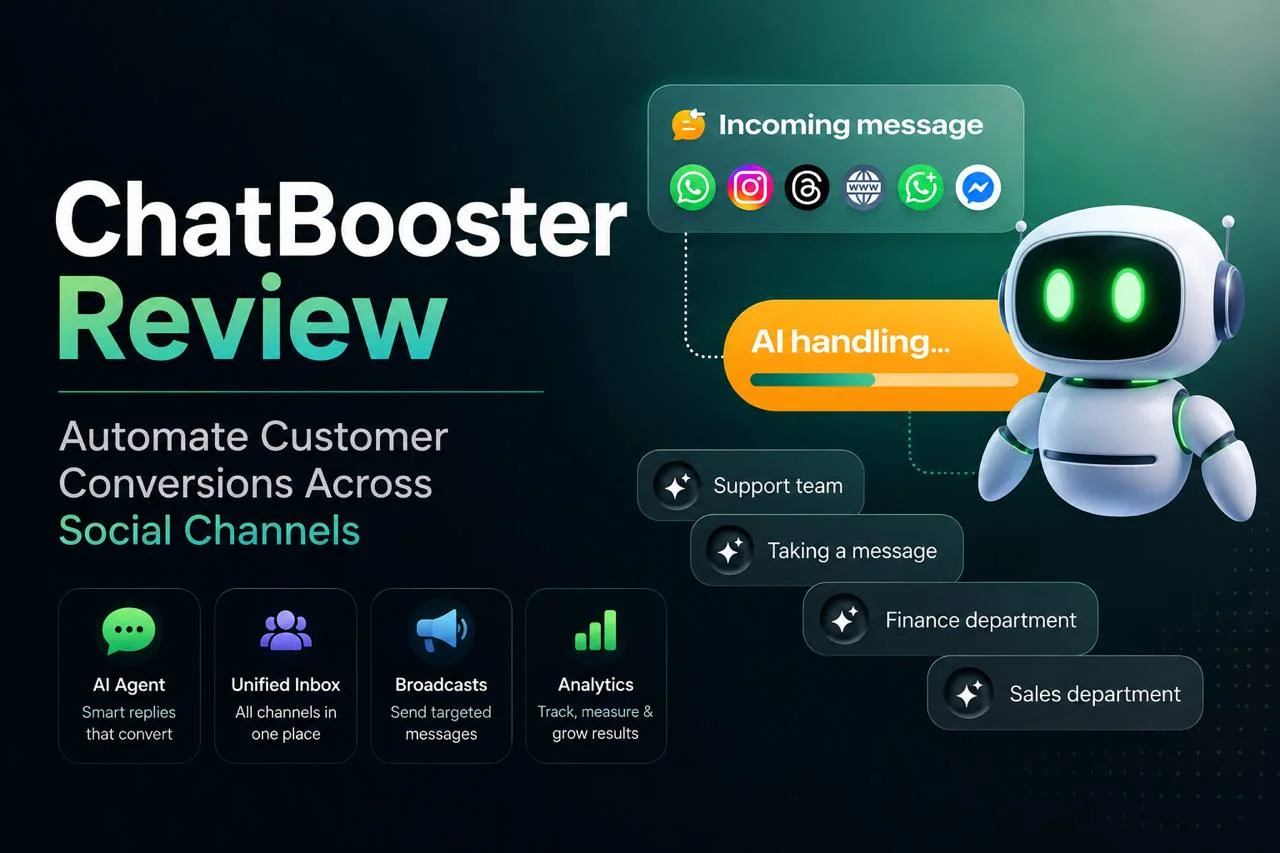
You’ve probably got a WhatsApp inbox, an Instagram DM pile, and a Facebook Messenger tab you keep meaning to check. ChatBooster’s whole pitch is that you shouldn’t have to juggle all three by hand.
We dug into what ChatBooster actually does, what it costs, and where it falls short, so you can decide if it’s worth connecting to your business before you hand over your Meta accounts.
ChatBooster is an AI chatbot and automation platform for WhatsApp, Instagram, Facebook Messenger, and a few smaller channels. It’s built for businesses that want to turn social chats into leads without hiring a full-time chat team.
Read the full article, and see what we found and whether the tool is actually worth considering.
What Is ChatBooster?
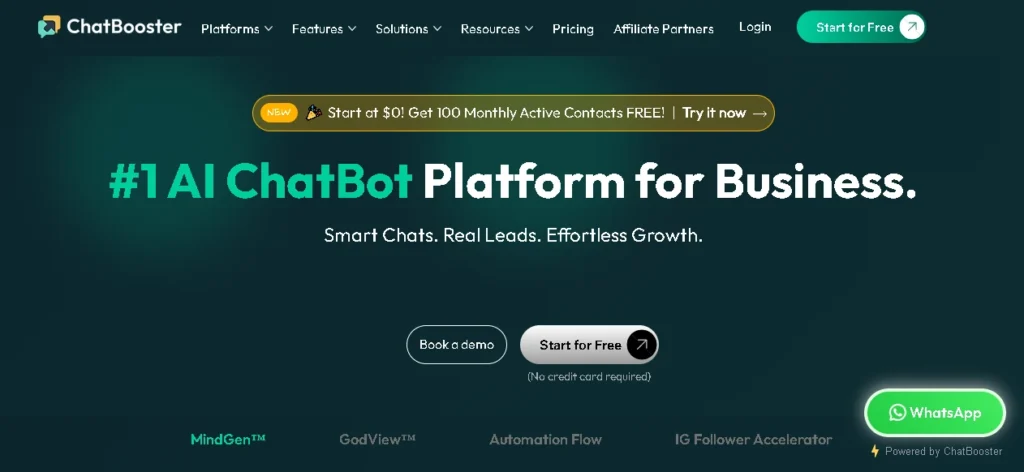
ChatBooster is a cloud-based messaging and chatbot platform built by SMARTSTYLE PTE. LTD. that connects to WhatsApp, Instagram, Facebook Messenger, Threads, LINE, and website live chat, then layers AI and automation on top of those channels.
At a glance, it covers three jobs at once: an AI agent that answers customer questions, a lightweight CRM that tags and segments contacts, and a broadcast tool for sending promotions or updates to specific customer groups. All three live in one shared inbox instead of three separate apps.
It’s a business-facing tool, not a consumer app, and it sits in the AI automation corner of our AI Tools coverage rather than the AI writing tools we usually cover there. You sign up as a brand, connect your existing social and WhatsApp accounts, and the AI and automation features run on top of the conversations you already have.
Here’s a quick rundown of what’s included before we get into how each piece actually works:
- Channels: WhatsApp Business API, WhatsApp mobile app, Facebook Messenger, Instagram, Threads, LINE, and a website live chat widget
- AI layer: MindGen, a customizable AI agent that answers routine questions and hands off complex ones to a human
- CRM layer: Contact tagging, segmentation, and a unified inbox pulling messages from every connected channel
- Growth tools: Click-to-WhatsApp ad integration, an Instagram follower accelerator, broadcast messaging, and coupon-based re-engagement
- Oversight tools: GodView for monitoring sales conversations, and SocialGuard AI for auto-hiding negative comments on social posts
What ChatBooster Is Actually Built for
ChatBooster is a messaging automation platform for WhatsApp, Instagram, Facebook Messenger, Threads, LINE, and website live chat, using AI to handle incoming conversations.
Most business inbox traffic is repetitive – pricing questions, order status, stock checks. ChatBooster’s AI agent, MindGen, answers these automatically and hands off to a human when things get complicated.
Beyond chat, ChatBooster works as a lightweight CRM. It tags and segments contacts, and lets you send broadcasts to specific groups instead of your full list. For WhatsApp click-to-chat ads, it also connects to Meta’s Conversions API, so ad data reflects actual chat outcomes, not just clicks.
ChatBooster isn’t a general AI writing tool like those in our Jasper vs Copy.ai comparison, and it isn’t a full help desk platform like Zendesk. It’s built specifically for businesses driven by social and WhatsApp chat volume, where AI handles the routine load.
ChatBooster’s Main Features
A rundown of the tools bundled into ChatBooster, from AI agents and automation flows to ad integrations and comment moderation.
MindGen AI agents: You build role-based AI assistants (support, sales, FAQ) and give each one instructions on tone and scope. ChatBooster says MindGen handles around 90% of routine questions before handing off to a person, though that figure comes from ChatBooster’s own marketing and will vary heavily by how well you’ve trained the agent and how repetitive your actual inquiries are.
GodView: A monitoring layer that tracks sales conversations across your team, flags stalled follow-ups, and backs up contact history so a departing employee doesn’t take client context with them.
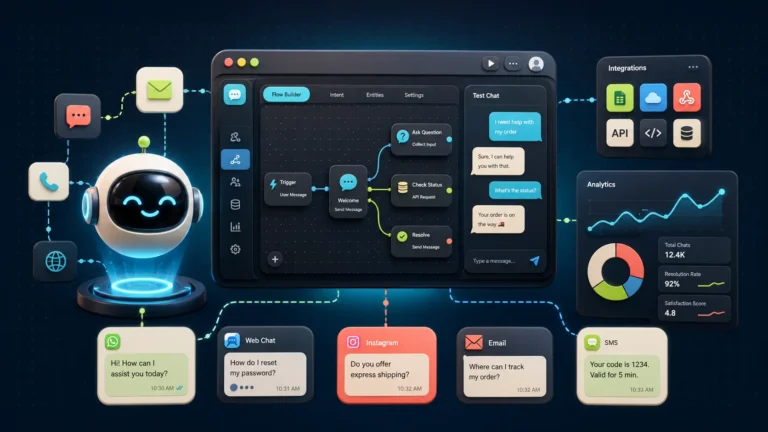
Automation Flow Builder: A drag-and-drop builder for scripted sequences: welcome messages, FAQ trees, lead qualification steps, that sort of thing. This runs independently of the AI agents, so you can mix scripted flows with AI-handled conversations depending on the use case.
Click-to-WhatsApp Ads integration: Turns a Meta ad click straight into a WhatsApp conversation instead of a lead form, and pairs with the Conversions API to feed real conversation outcomes back into ad optimization.
SocialGuard AI: Automatically flags and hides negative or spam comments on your social posts, which matters more than it sounds like once a page starts running paid ads and drawing bot comments.
WhatsApp Flows and Coexistence: Lets you build simple in-chat forms (bookings, surveys) without sending people to an external page, and lets your team use the WhatsApp Business API and the regular mobile app side by side without losing message history.
Shopify integration: A newer addition that connects store data to chat conversations, useful for e-commerce teams that want order status and product questions answered inside the same chat thread customers already use.
ChatBooster Pricing
ChatBooster’s public pricing page currently shows two tiers with visible details: a free plan and a custom Enterprise plan. Anything in between requires a sales conversation, which is worth knowing before you get invested in a specific feature.
| Plan | Price | What’s included |
|---|---|---|
| Free | $0, no credit card required | 1,000 Monthly Active Contacts, automated chat, 10 contact tags, one basic automation flow, email reminders |
| Mid-tier plan(s) | Not publicly listed | ChatBooster’s site references paid features like MindGen AI agents, GodView, SocialGuard AI, and Smart Coupons, but doesn’t post a price for them as of this writing |
| Enterprise | Custom, sales-quoted | Unlimited contacts, tags, automations, and emails; unlimited AI tokens; dedicated account manager; guided onboarding; tailor-made automations |
A “Monthly Active Contact” is anyone who messages your ChatBooster-connected accounts in a given month, the same billing model ManyChat and Chatfuel use. If your contact volume swings with ad campaigns or seasonal spikes, watch this number closely so you’re not caught mid-month.
Two costs sit outside ChatBooster’s pricing entirely: Meta bills WhatsApp’s per-conversation fees separately, and they vary by country and message category. ChatBooster is also a verified Meta Tech Provider, so depending on your business type, you may run into Meta’s own onboarding requirements too.
Bottom line on price: the free plan is enough to test whether ChatBooster fits your workflow. Beyond that, budget time for a sales call rather than assuming a fixed monthly number, since ChatBooster doesn’t publish one.
Where ChatBooster Stands Out
The strengths that separate ChatBooster from a typical chatbot tool, from real multichannel support to a free plan that actually holds up.
Genuinely multichannel: WhatsApp, Instagram, Facebook Messenger, Threads, LINE, and website live chat all run through one inbox, which matters if your team currently checks four apps to do one job.
The free tier isn’t a toy: 1,000 Monthly Active Contacts is a real number for a small business, not a five-day trial dressed up as a free plan.
Built specifically around WhatsApp Business: ChatBooster is a verified Meta Tech Provider, so WhatsApp API onboarding runs through an established relationship rather than a third party bolting on unofficial access.
Ad-to-chat tracking: The Conversions API integration is a genuine advantage for teams running Meta ads, since it closes the loop between ad spend and actual chat outcomes instead of guessing.
Where ChatBooster Falls Short
Seven tools make up the ChatBooster platform, from AI agents that handle routine questions to ad integrations and comment moderation.
Here’s what each one actually does:
No public pricing past the free tier: This is the biggest practical drawback. You can’t budget for ChatBooster the way you can for a tool with a published pricing page, and “contact sales” tends to mean the price flexes based on how big your business looks.
No independent benchmarking yet: We reviewed ChatBooster’s own product pages and public reviews rather than running our own side-by-side chat automation tests, so treat claims like the 90% automated-resolution figure as a starting expectation, not a guarantee for your specific use case.
Narrower than a full help desk: If you need ticketing, SLAs, and a knowledge base alongside chat, ChatBooster’s toolset is thinner than something built for that job from the start.
Meta fees are a real add-on cost: WhatsApp’s own per-conversation billing sits outside ChatBooster’s plan price, so your actual monthly cost is ChatBooster plus Meta, not ChatBooster alone.
Setting Up ChatBooster: What to Expect
Setting up doesn’t require a credit card. You sign up, connect your channels (WhatsApp, Instagram, Facebook, or a mix), and land on the Free plan by default.
WhatsApp is the one part that takes longer than five minutes. Since ChatBooster is a verified Meta Tech Provider, connecting the WhatsApp Business API means going through Meta’s business verification, not just a phone login. If you’re moving from the regular WhatsApp Business app to the API, expect to submit documentation directly to Meta; ChatBooster guides that process but doesn’t skip it.
From there, onboarding walks you through your first automation flow, and on paid tiers, your first MindGen AI agent. ChatBooster’s FAQ notes plans can be cancelled anytime, though fees already collected aren’t refunded, so it’s worth testing thoroughly on the free tier first.
One thing worth confirming if your team has years of WhatsApp history: ChatBooster’s Coexistence feature keeps the regular WhatsApp Business app running alongside the API connection, syncing contacts and messages between the two. Check with their support team directly before switching if that history matters to you.
How ChatBooster Compares to Similar Tools
ChatBooster isn’t the only platform doing AI-powered WhatsApp and social chat automation, and it’s worth knowing where it sits next to the more established names before you commit.
ManyChat: The bigger, more established name, with deeper Instagram comment-to-DM automation. Its AI features are a paid add-on too, but unlike ChatBooster, ManyChat publishes its full pricing ladder.
Chatfuel: Bundles AI into its paid tiers by default rather than treating it as a bolt-on, but skips a permanent free plan in favor of a trial, making ChatBooster’s free tier the more forgiving start.
Respond.io: Targets the same WhatsApp-first, AI-assisted niche but skews mid-market and enterprise, with published tiers starting around $79 a month. Worth a look if you outgrow ChatBooster’s free tier.
ChatBooster’s edge over all three: pairing Click-to-WhatsApp Ads and the Meta Conversions API for ad-to-chat tracking with chat automation in one platform, a narrower but useful combination.
Who ChatBooster Actually Fits
ChatBooster makes the most sense for small and mid-sized businesses running WhatsApp, Instagram, or Facebook Messenger as a primary sales or support channel, especially ones running Meta ads and wanting the click-to-chat and Conversions API pieces working together.
It’s a weaker fit if your support volume lives mostly in email or a website widget, or if you need enterprise helpdesk features like SLA tracking and multi-department ticket routing from day one.
For more AI tool breakdowns like this one, browse Toolphyra’s AI Tools coverage or head back to our blog for the latest comparisons.
Frequently Asked Questions
Is ChatBooster free to use?
Yes, there’s a permanent free plan covering 1,000 Monthly Active Contacts with basic automation and tagging. No credit card is required to start.
Does ChatBooster work with the official WhatsApp Business API?
Yes. ChatBooster is a verified Meta Tech Provider, which means it’s officially recognized by Meta for onboarding businesses onto the WhatsApp Business Platform.
How much does ChatBooster cost beyond the free plan?
ChatBooster doesn’t publish pricing for its mid-tier plans as of this writing. Only the free plan and a custom Enterprise plan are listed publicly, so you’ll need to talk to sales for anything in between.
Does ChatBooster charge extra for WhatsApp messages?
ChatBooster’s own plan price doesn’t include Meta’s WhatsApp conversation fees, which are billed separately and vary by country and message type.
Can ChatBooster replace a human support team?
No. ChatBooster is built to handle routine, repetitive questions and hand off anything complex to a person. Budget for human oversight regardless of which AI agent settings you use.
Is ChatBooster good for e-commerce?
It has a Shopify integration and features aimed at retargeting and coupon-based re-engagement, which suit e-commerce use cases, though we haven’t independently tested it against dedicated e-commerce chat tools like Chatfuel or Tidio.


Leave a Reply