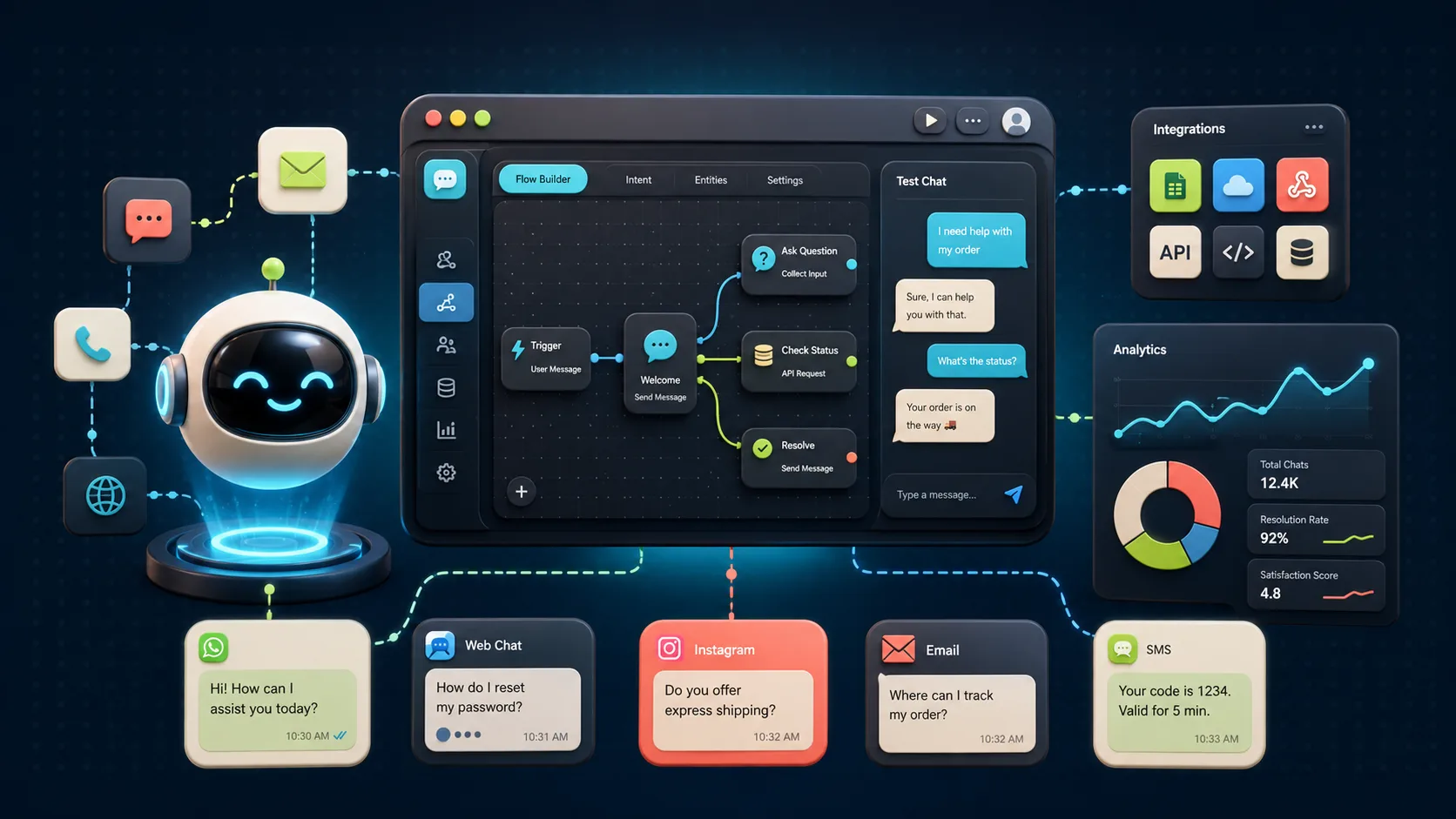
It’s 9:40 p.m., and someone lands on your website with a real question. It could be about shipping. It may be whether your plan actually fits their team. Your support staff logged off hours ago, so the visitor either waits until morning or clicks away.
That gap is exactly what a chatbot SaaS platform is built to close. It answers common questions, qualifies leads, and hands trickier conversations to a real person the moment one is free.
The tricky part is that “chatbot” means different things depending on who you ask. Some tools are live chat platforms with basic automation. Others are generative AI bots trained on your own content. A few can log into your other software and actually take action.
We tested and compared the 10 best chatbot SaaS platforms for 2026 so you don’t have to sort through the noise yourself. So, let’s start!
Table of Contents
- Chatbot SaaS Platforms at a Glance
- What Is the Best Chatbot SaaS Platform in 2026
- How We Chose the Tools
- 1. Chatbase (Best for Chatbots Trained on Your Content)
- 2. Intercom (Best for Advanced Customer Support)
- 3. Tidio (Best Overall for Small Businesses)
- 4. Botpress (Best for Developers Building Custom Agents)
- 5. Manychat (Best for Instagram and WhatsApp Marketing)
- 6. Landbot (Best No-Code Chatbot Builder)
- 7. Crisp (Best for Shared Inboxes and Collaboration)
- 8. Salesloft Chat Agents (Best for Conversational Sales)
- 9. Zendesk AI (Best for Enterprise Support)
- 10. Freshchat (Best for Freshworks Teams)
- Hidden Costs to Check Before You Buy
- Find Your Best Chatbot SaaS Platform
- Frequently Asked Questions
Chatbot SaaS Platforms at a Glance
Here’s a quick snapshot of all 10 tools, their best use case, starting price, and our editorial rating so that you can narrow your shortlist fast.
| Platform | Best For | Starting Price |
|---|---|---|
| Chatbase | Chatbots trained on your content | $32/month billed annually |
| Intercom | Advanced customer support | $19/seat/month billed annually |
| Tidio | Small business support | $24.17/month billed annually |
| Botpress | Custom developer-built agents | $150/month billed annually |
| Manychat | Instagram and WhatsApp marketing | $14/month billed annually |
| Landbot | No-code lead-generation flows | €40/month |
| Crisp | Shared inbox collaboration | $45/month |
| Salesloft Chat Agents | B2B conversational sales | Custom quote |
| Zendesk AI | Enterprise support | $55/agent/month billed annually |
| Freshchat | Freshworks omnichannel support | $19/agent/month billed annually |
Pricing and plan limits change often. Confirm current details on each vendor’s site before subscribing.
What Is the Best Chatbot SaaS Platform in 2026
There is no single best chatbot SaaS platform for every business, only the best fit for your situation.
Tidio offers the best overall balance for small and mid-sized teams. Chatbase wins for bots trained on your own content; Intercom for advanced support; Manychat for social messaging; Botpress for developer control; and Zendesk AI for large, ticket-based operations.
How We Chose the Tools
We compared all 10 chatbot SaaS platforms against the same six categories every time, so no tool got an easier test than another.
Ease of use: Setup time, no-code options, and the learning curve for non-technical teams.
AI capability: Content training, response quality, and control over chatbot behavior.
Pricing and transparency: Entry cost, plan limits, and extra charges for AI usage, seats, or contacts.
Integrations and channels: Connections with CRM, help desk, website, and messaging platforms.
Human handoff: How smoothly the chatbot transfers conversations and context to a real person.
Scalability and security: SSO, compliance options, administrative controls, and capacity for growth.
1. Chatbase (Best for Chatbots Trained on Your Content)
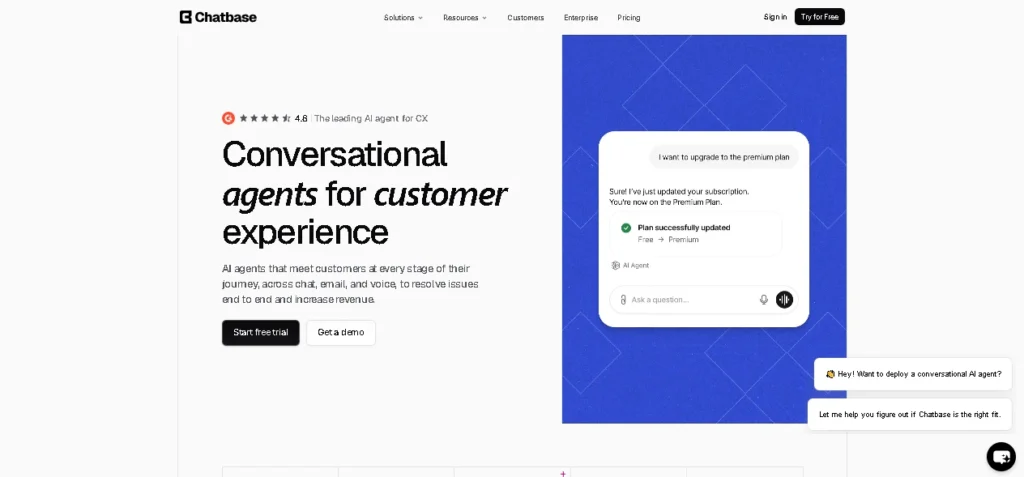
Chatbase is an AI chatbot SaaS platform for creating support bots trained on your own content. It is best suited to teams that want answers grounded in their website pages, PDFs, and help articles without building a bot from scratch.
Setup is genuinely fast. Point it at your site or upload a document, and it starts answering FAQs, product questions, and lead-capture prompts within minutes rather than days.
Key Features:
- Trains directly on website pages, PDFs, and help articles
- Handles FAQs, product questions, and lead capture out of the box
- Connects to WhatsApp, Messenger, Instagram, Slack, Zendesk, Salesforce, and HubSpot
- Credit-based usage that scales with conversation volume
Pros:
- Fastest path from existing content to a working bot
- Wide integration list for a tool at this price point
- Clear, content-first setup with no coding required
Cons:
- Credit costs climb quickly once traffic picks up
- Less suited to teams that need a full support inbox alongside the bot
Pricing: The free plan includes 50 monthly message credits. Hobby costs $40 monthly or $32 per month when billed annually with 500 message credits/month, Standard costs $150 monthly or $120 per month when billed annually with 4,000 message credits/month, and Pro costs $500 monthly or $400 per month when billed annually with 15,000 message credits/month. Extra credits cost $40 per 1,000 message credits.
Verdict: The clearest content-trained chatbot in this comparison, as long as you keep an eye on credit usage.
2. Intercom (Best for Advanced Customer Support)
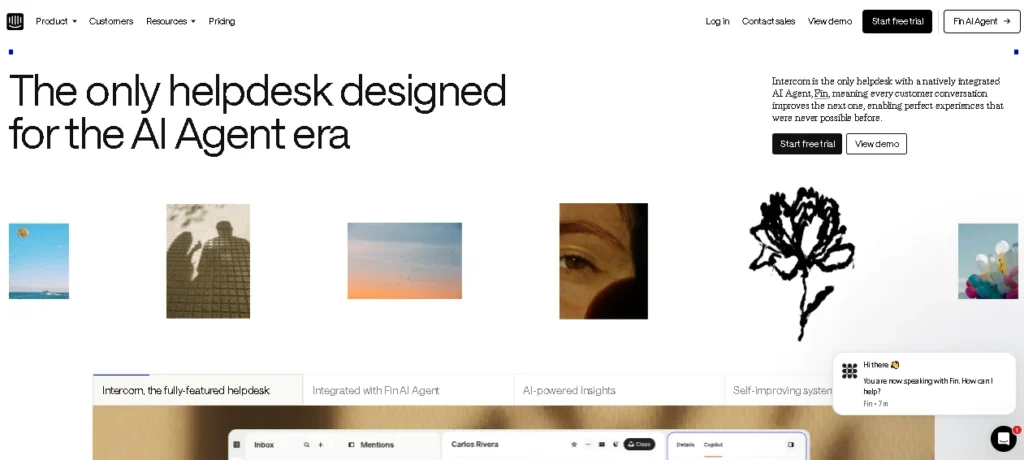
Intercom is a customer service platform that combines a mature support inbox with Fin, its built-in AI agent. It brings live chat, ticketing, a help center, and automation together for teams managing complex customer conversations.
Fin answers from approved content and passes unresolved conversations to a human with the full context attached. This makes Intercom a strong fit for SaaS and support teams that need AI to resolve conversations, not just start them.
Key Features:
- Fin AI agent that answers from approved content and hands off cleanly
- Live chat, ticketing, help center, and automation in one inbox
- Channels across chat, email, in-app, WhatsApp, and SMS
- Detailed reporting built for growing support teams
Pros:
- One of the more capable AI agents in this list for genuine ticket resolution
- Strong handoff experience that preserves customer context
- Scales from small support teams to larger operations
Cons:
- Seat fees plus separate Fin usage charges can add up fast
- Pricier entry point than most other tools here
Pricing: Essential starts at $29 per seat monthly or $19 per seat per month when billed annually. Advanced runs roughly $99 per seat monthly or $85 per seat per month when billed annually, and Expert roughly $139 per seat monthly or $132 per seat per month when billed annually, though exact rates should be confirmed through Intercom’s own calculator. Fin is billed separately at about $0.99 per resolution.
Verdict: The strongest support-first option here for teams that need both AI and a mature inbox.
3. Tidio (Best Overall for Small Businesses)
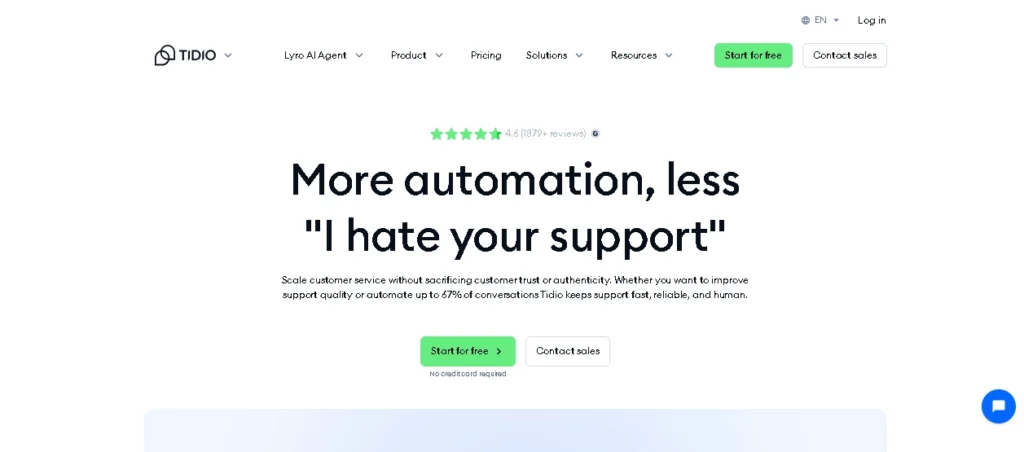
Tidio is an all-in-one chatbot and live chat platform designed for small and mid-sized businesses. It combines ticketing, automation, and the Lyro AI agent in an interface a small team can learn quickly.
Its accessible setup makes it a practical choice for Shopify stores and service businesses. However, chat and AI usage are billed separately, so estimate both before choosing a plan.
Key Features:
- Live chat, help desk, and automation in one dashboard
- Lyro AI agent for automated conversations
- Built-in Shopify integration for e-commerce stores
- Fast setup with a genuinely usable free plan
Pros:
- Easiest learning curve of any tool in this list
- Strong value at the entry-level paid tiers
- Good fit for stores and small service businesses
Cons:
- Human chat and Lyro AI usage are billed on separate allowances
- A steep jump exists between the Growth plan and the higher tiers
Pricing: The free plan includes 50 billable conversations. Starter costs $29 monthly or $24.17 per month billed annually, and Growth starts at $59 monthly or $49.17 per month when billed annually. Lyro AI conversations run on their own separate allowance.
Verdict: The best overall balance of usability and entry cost for small businesses in this comparison.
4. Botpress (Best for Developers Building Custom Agents)
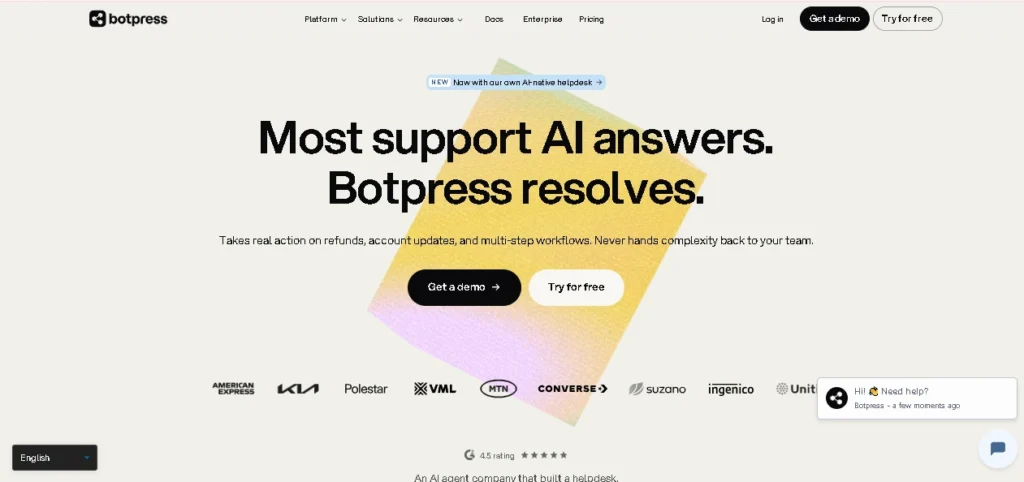
Botpress is a customizable AI agent platform built for developers and technical teams. It provides visual and code-first tools, knowledge bases, and detailed control over how an agent behaves.
It is better suited to custom workflows and integrations than to teams seeking a ready-made support bot. Botpress revised its pricing in May 2026, which also changed who the platform makes financial sense for.
Key Features:
- Visual and code-first agent builder
- Full API access for custom logic and integrations
- Knowledge base tools for grounding agent answers
- Built for teams that want to own the agent’s behavior end to end
Pros:
- Most control of any tool in this list over the agent logic
- Strong fit for teams already building custom integrations
- AI usage is included in the plan rather than billed separately
Cons:
- Steep price jump from the free plan to paid tiers
- Needs developer time to get real value, not a quick no-code setup
Pricing: Free covers 100 conversations. Plus costs $189 monthly or $150 per month when billed annually for 250 conversations, and Team costs $939 monthly or $750 per month when billed annually for 1,500 conversations. Enterprise pricing is custom.
Verdict: The most flexible option here, though no longer a low-cost choice for production use.
Email marketing remains one of the highest-converting channels alongside chatbot automation. If you’re building automated campaigns, our ConvertKit vs Mailchimp comparison can help you choose the right email marketing platform.
5. Manychat (Best for Instagram and WhatsApp Marketing)
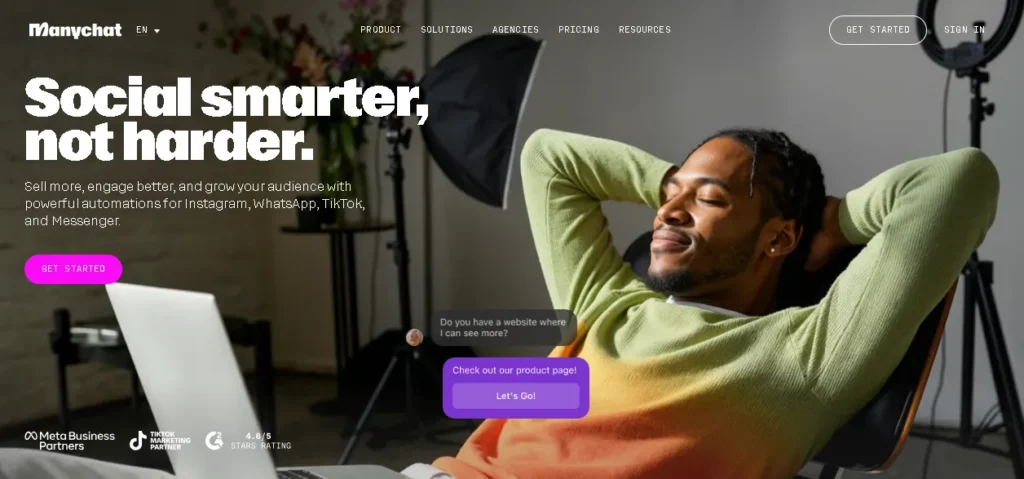
Manychat is a social messaging automation platform for brands that generate leads through conversations. It focuses on Instagram, WhatsApp, Messenger, and SMS rather than traditional website support.
The platform supports comment-to-DM campaigns, automated sequences, and broadcasts. It is primarily a marketing tool, and its contact-based pricing becomes more important as a campaign grows.
Key Features:
- Instagram comment-to-DM automation
- Broadcast and sequence tools across WhatsApp, Messenger, and SMS
- AI-assisted replies layered on top of rule-based flows
- Contact-based pricing that grows with your audience
Pros:
- Strongest social-first automation in this comparison
- Easy to launch a campaign without technical setup
- Good fit for brands already active on Instagram
Cons:
- Costs rise with contact volume, including after a successful campaign
- Limited help-desk functions compared to support-first tools
Pricing: Free covers 25 contacts across two channels. Essential starts at $17 monthly or $14 per month when billed annually for 250 contacts, Pro at $39 monthly or $29 per month when billed annually for 2,500 contacts, Business at $99 monthly or $69 per month when billed annually for 7,500 contacts, and Advanced at $199 monthly or $139 per month when billed annually for 25,000 contacts.
Verdict: The strongest social lead-generation platform in this group, less suited to general support.
6. Landbot (Best No-Code Chatbot Builder)
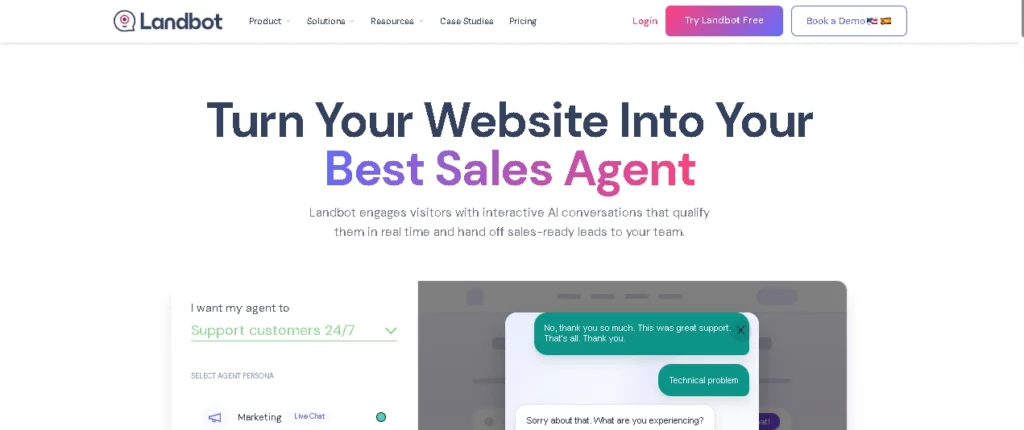
Landbot is a no-code chatbot builder for creating structured conversations through a visual, drag-and-drop interface. It is designed for marketers and business teams that want control over chatbot flows without writing code.
Its flowchart-style builder works well for lead qualification, interactive forms, appointment booking, and guided website experiences. It provides more structure than a pure AI chatbot, though complex conversations can become less flexible.
Key Features:
- Drag-and-drop, flowchart-style conversation builder
- Web, WhatsApp, Messenger, and API channels
- Built-in forms and appointment-style flows
- Mix of AI and rule-based conversation paths
Pros:
- No coding required to build genuinely structured flows
- Good fit for lead qualification and appointment booking
- Visual builder makes edits easy for non-technical marketers
Cons:
- Standard chats, AI chats, and WhatsApp usage run on separate allowances
- Less depth for full help-desk style support
Pricing: The free Sandbox plan allows 100 web chats monthly. Starter costs about €40 per month, Pro about €100, WhatsApp Pro about €200, and Business starts around €400.
Verdict: An approachable no-code choice for structured marketing conversations.
7. Crisp (Best for Shared Inboxes and Collaboration)
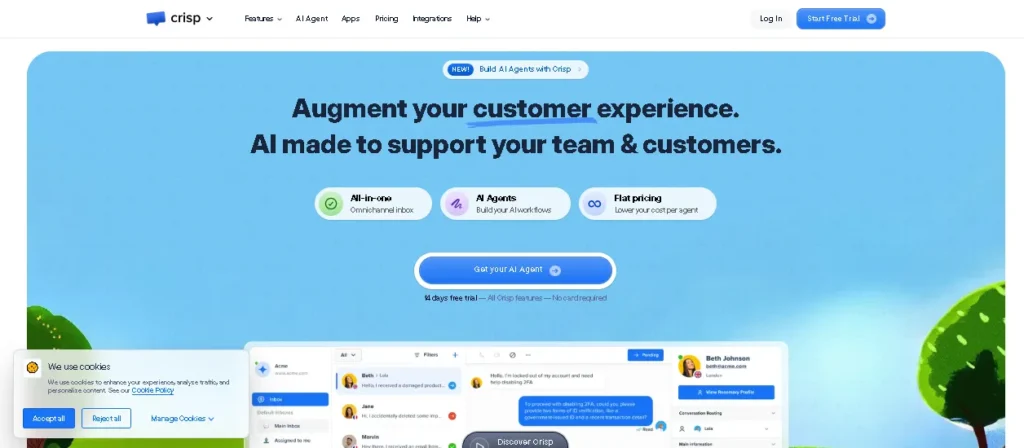
Crisp is a customer messaging platform centered on a collaborative shared inbox. It brings live chat, email, and social conversations into one workspace, while AI supports rather than replaces the human team.
Private notes and conversation history help teammates manage handoffs smoothly. Crisp is a strong choice for small teams that prioritize collaboration over a fully autonomous AI agent.
Key Features:
- Shared inbox across chat, email, WhatsApp, Instagram, and SMS
- Private team notes and full conversation history
- AI chatbot assistant layered on top of the inbox
- Customer profile tracking across channels
Pros:
- Strong collaboration tools for small support teams
- Reasonable entry pricing for a shared inbox with this much channel coverage
- Easy handoffs between teammates on the same conversation
Cons:
- AI credit is limited on lower-priced tiers
- Not built for teams that want AI to run the show
Pricing: Free supports two agents and 100 customer profiles. Mini costs $45 per month for four agents, Essentials $95 for ten agents, and Plus $295 for larger teams.
Verdict: A dependable shared-inbox product with AI as a supporting feature, not the main one.
8. Salesloft Chat Agents (Best for Conversational Sales)
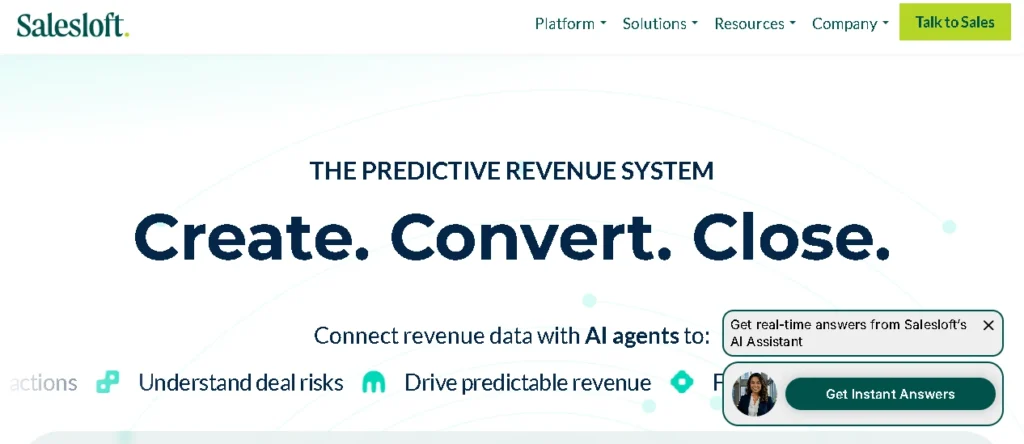
Salesloft Chat Agents is a specialized B2B conversational sales platform, not a general customer support chatbot. It is designed to identify buyer intent and move qualified website visitors into a seller’s workflow.
Salesloft, formerly associated with Drift in this category, now provides its chat agents through a partnership with 1Mind. The platform connects conversation signals to revenue workflows so sellers receive the right context.
Key Features:
- AI-driven buyer intent capture on website chat
- Direct connection into CRM and revenue workflows
- Seller-triggered actions based on conversation signals
- Built specifically for B2B sales motions
Pros:
- Tight fit for teams already running Salesloft for sales
- Connects conversational signals straight into pipeline data
- Purpose-built for qualifying, not general customer support
Cons:
- No public self-serve pricing
- Limited value if your team doesn’t already run a Salesloft-style revenue workflow
Pricing: Pricing is quote-only. There’s no public self-serve trial, so budget for a sales conversation before you can test it.
Verdict: A specialized B2B sales-chat option rather than a general-purpose support chatbot.
9. Zendesk AI (Best for Enterprise Support)
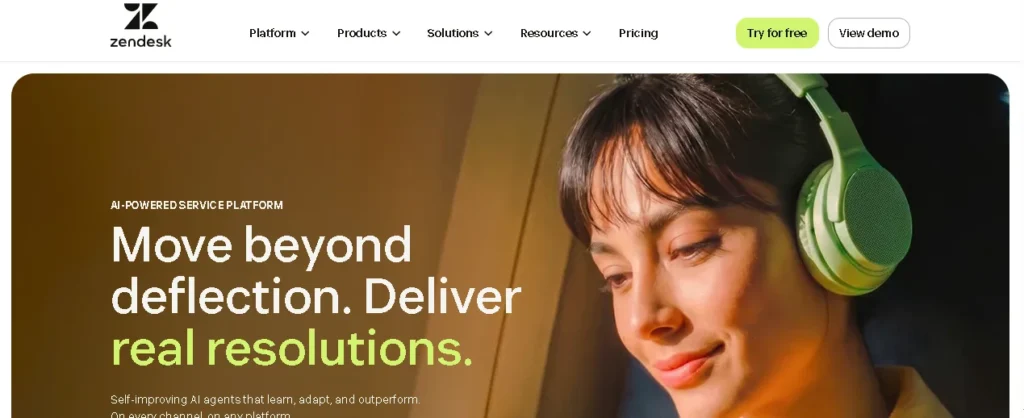
Zendesk AI is an enterprise customer service platform for high-volume support operations. It combines AI agents with ticketing, routing, knowledge management, analytics, and omnichannel service.
The platform is designed for teams with formal support processes rather than businesses buying their first chatbot. Its broad feature set also brings higher costs and setup complexity, so confirm that you need the full stack before subscribing.
Key Features:
- AI agents plus Copilot for human support staff
- Ticketing, routing, and knowledge management built in
- Channels across chat, email, voice, and social
- Analytics built for reporting to leadership
Pros:
- Handles high ticket volume with formal routing better than most tools here
- Strong reporting for teams that need to justify support spend
- Broad channel coverage in one platform
Cons:
- Automated AI resolutions add usage-based charges on top of seat costs
- Overkill and expensive, for a team that just wants a simple chatbot
Pricing: On customer service, Support Team starts at $19 per agent/month billed annually but doesn’t include the full AI-agent experience. Suite Team starts at $55, Suite Professional at $115, and Suite Enterprise uses custom pricing.There are other two services Employee and contact services also available.
Verdict: The most complete enterprise support stack here, built for teams that need reporting and structured operations.
10. Freshchat (Best for Freshworks Teams)
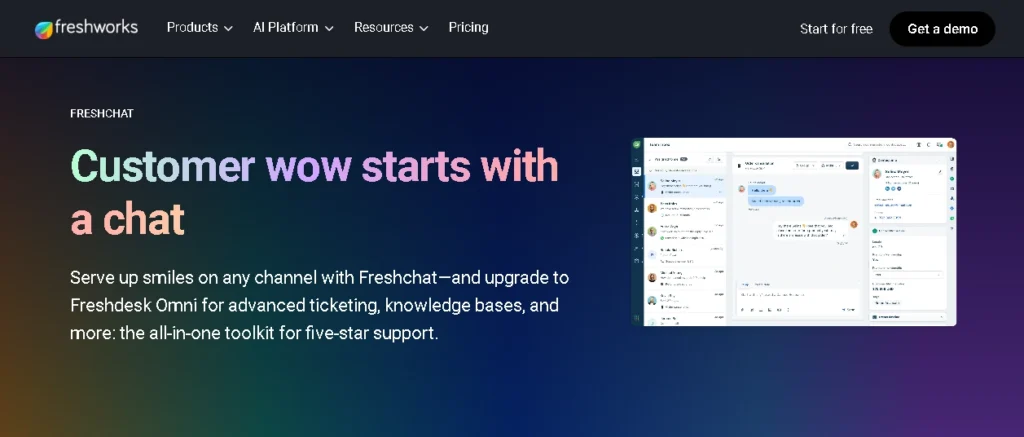
Freshchat is an omnichannel messaging and chatbot platform within the Freshworks ecosystem. It brings website chat, email, WhatsApp, and Messenger into one workspace for customer support teams.
The platform becomes more valuable when paired with other Freshworks products. Its Freddy AI includes a limited number of sessions before extra charges apply, while Freddy Copilot for human agents is priced separately.
Key Features:
- Unified inbox across web, email, WhatsApp, and Messenger
- Freddy AI for automated customer conversations
- Freddy Copilot to assist human agents separately
- Deep integration with other Freshworks products
Pros:
- Lower entry price than most support-focused tools in this list
- Real value increase for teams already on Freshworks
- Free plan supports up to 10 agents
Cons:
- Freddy AI sessions are limited before extra charges kick in
- Less differentiated for teams not already in the Freshworks ecosystem
Pricing: Free supports up to 10 agents. Growth costs $23 monthly or $19 per agent per month when billed annually, Pro costs $59 monthly or $49 per agent per month when billed annually, and Enterprise costs $95 monthly or $79 per agent per month when billed annually.
Verdict: A reliable option whose value rises sharply when paired with other Freshworks products.
Hidden Costs to Check Before You Buy
The advertised price on a chatbot SaaS platform rarely matches the final monthly bill.
Check whether AI usage is billed by message, conversation, or resolution. Confirm whether extra agents require paid seats, and whether WhatsApp or SMS carries its own fee on top of the base plan.
Contact-based tools get more expensive as your audience grows, while support suites often reserve routing, analytics, and SSO for higher tiers. Model your cost at both normal and peak traffic before you sign an annual contract, since a cheaper entry plan can end up costing more once real customer demand shows up.
Before investing in chatbot software, it’s worth researching the keywords your customers actually search for. Our Ubersuggest vs Ahrefs comparison explains which SEO platform is better for keyword research, competitor analysis, and content planning.
Find Your Best Chatbot SaaS Platform
The right chatbot SaaS platform depends on the job you actually need done, not the longest feature list.
If you’re a small business or Shopify store, Tidio’s balance of price and usability is hard to beat. If you already have solid help content, Chatbase turns it into a working bot fastest. Growing SaaS support teams get more long-term value from Intercom, while high-volume enterprise operations should look at Zendesk AI first.
If your leads come from Instagram or WhatsApp, Manychat fits that motion better than a general support tool ever will. Developers who want full control over agent logic should start with Botpress.
Whatever you pick, start on a free plan or trial and run your own real customer questions through it before committing to an annual contract.. You can also explore our comparison of the best AI meeting assistants, where we break down the top tools, their strengths, and who each one is best suited for.
Frequently Asked Questions
What is chatbot SaaS?
Chatbot SaaS is cloud-hosted chatbot software sold on a subscription or usage-based model. The provider manages hosting and updates, while you configure content, channels, and automation.
What is the best chatbot SaaS platform?
Tidio is the best overall option for most smaller businesses. Chatbase suits content-trained bots, Manychat suits social automation, Botpress suits developers, and Zendesk AI suits enterprise support.
Can a chatbot be trained on my website?
Yes. Chatbase and Botpress can both index website pages and uploaded documents. Intercom can use your help center content to power its Fin AI agent.
Which chatbot SaaS platform is best for a small business?
Tidio is the most balanced starting point. Crisp is a better fit when shared-inbox teamwork matters more, and Manychat suits businesses driven by Instagram or WhatsApp campaigns.
How much does chatbot SaaS cost?
Entry plans commonly start between $14 and $50 per month, though seats, AI usage, contacts, and messaging fees can raise the real total well beyond the headline price.
Can chatbot software connect to a CRM?
Most established platforms offer native CRM integrations or connect through automation tools. Confirm the integration supports the exact actions and data sync your workflow needs before you buy.


Leave a Reply